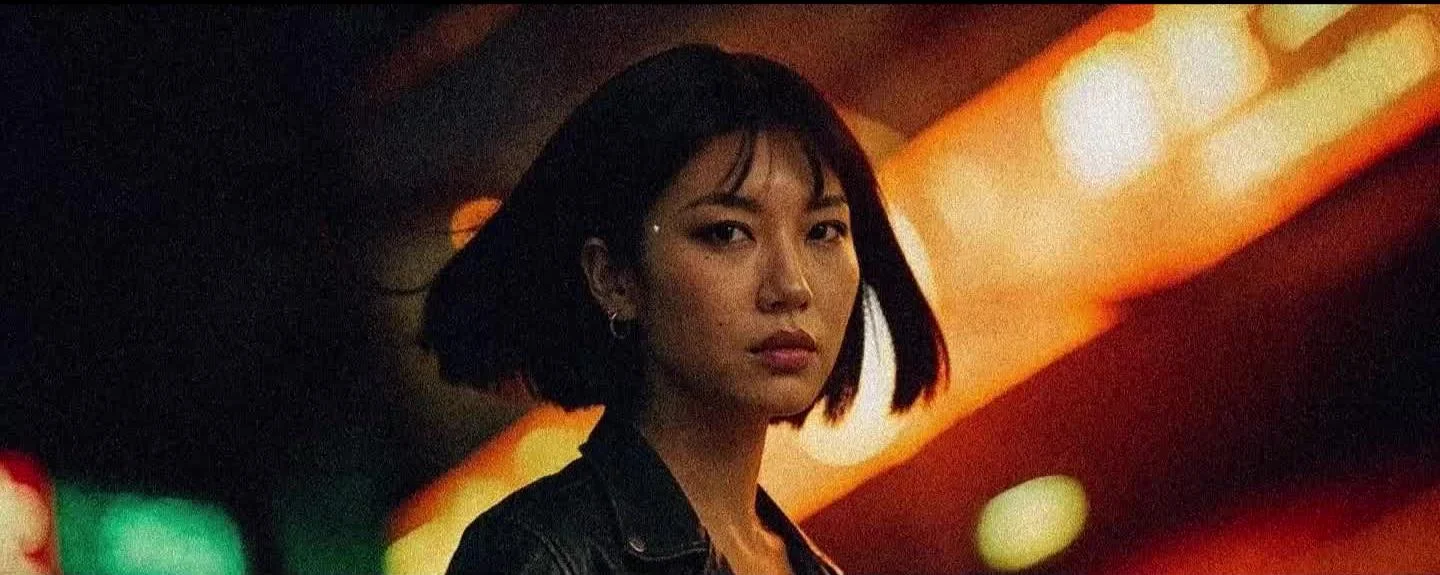
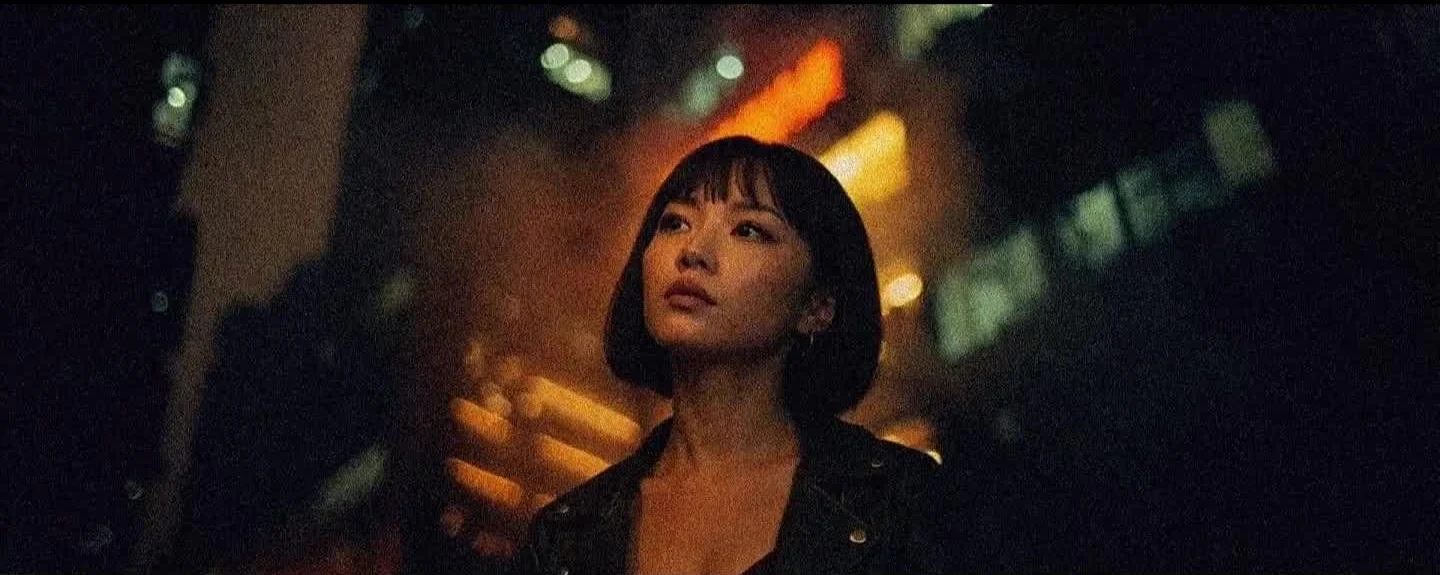
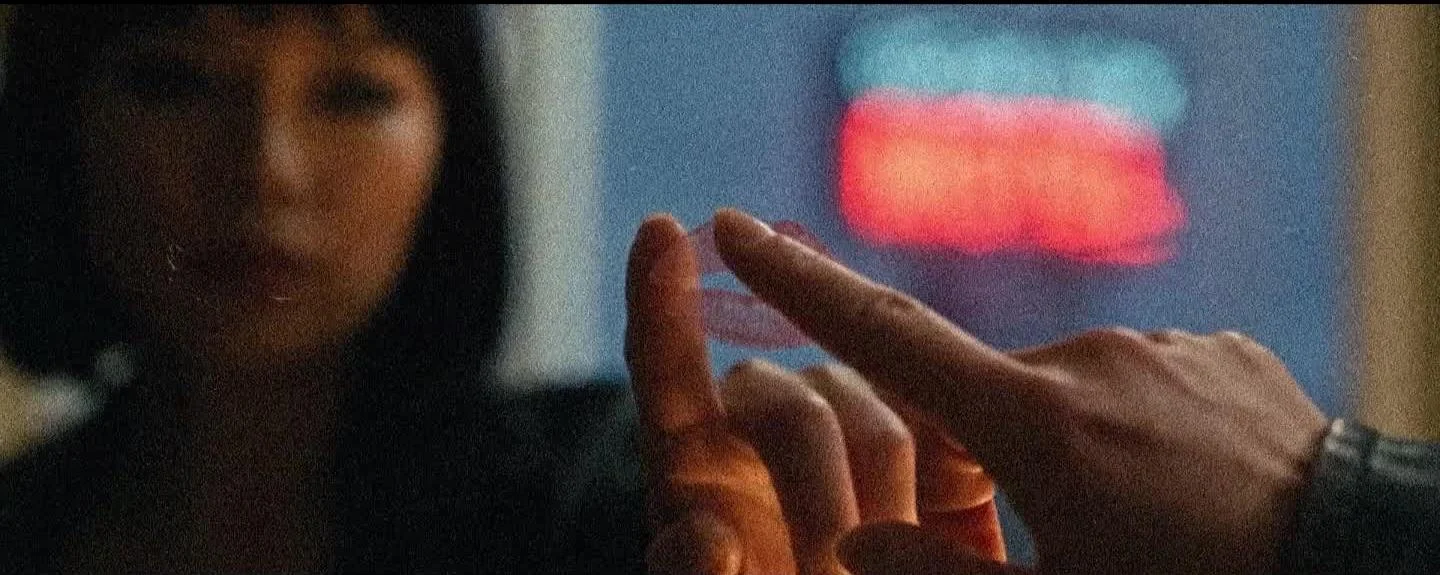
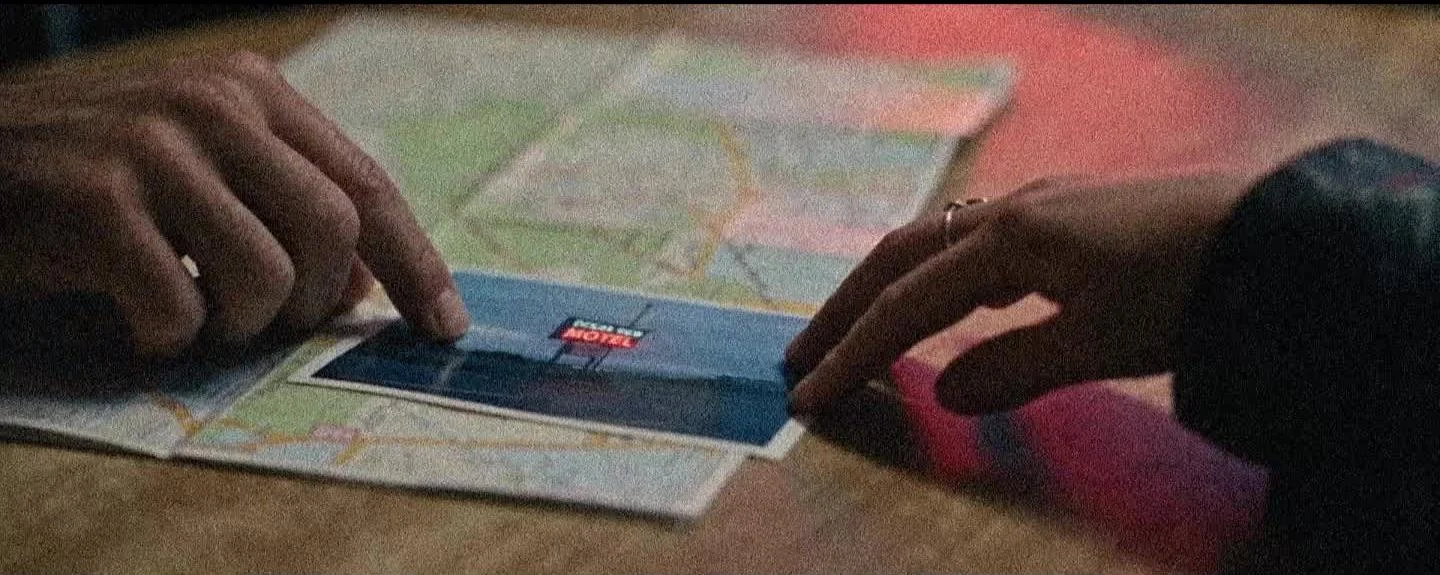
Have ComfyUI, access to Krea 2 through the supplied local graph or Krea’s image generator, the project assets and a video editor ready. Start with a short test at a resolution your installed workflow supports.
The three supplied workflow files
File in the Workflows folder
Its job
image_krea2turbo_t2i.json
Create character sheets and empty locations.
video_minimax_h3_r2v.json
Compose a new shot from identity and environment references.
video_minimax_h3_i2v.json
Animate a scene still using the keyframe path; configure matched endpoints when available.
Download the JSON for the stage you need. Drag it onto the ComfyUI canvas, or use its workflow-open command. Keep a separate saved copy for each mode.
Resolve missing nodes and models
Use the graph’s dependency notes and model loaders to identify the required custom nodes and exact model files. Install missing nodes, restart ComfyUI and select the downloaded models. Reference and keyframe model paths are different; do not swap them just because their inputs look similar.
Relink your images
Every Load Image node needs a file from your computer. Relink the supplied JPGs, then check the preview and the order of the connected references. Paths saved on another computer will not automatically match yours.
Make a small test
Retain the supplied sampling settings initially. Use a supported canvas and a five-second creative target. Confirm the actual exported duration, dimensions and playback rate before scaling up.
02 / THE WORKFLOW
TWO CHARACTERS. ONE CONSISTENT LOOK.
Design Maya and Mateo once, then reuse the approved sheets across the film.
Choose a 3:2 canvas
Open Krea 2 or the supplied Krea 2 Turbo text-to-image graph. Set the actual width and height to a landscape 3:2 ratio. Generate each person separately with the prompts below.
Build three readable views
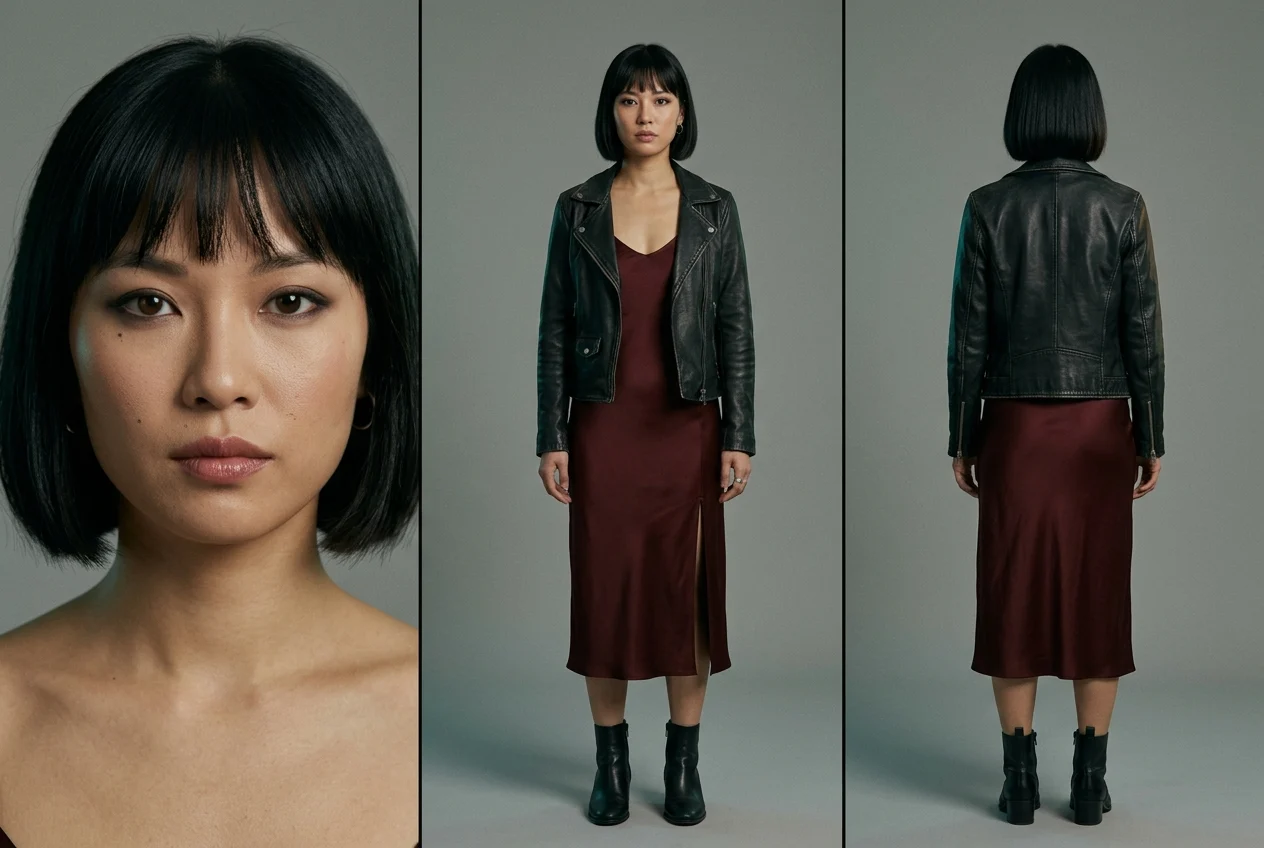
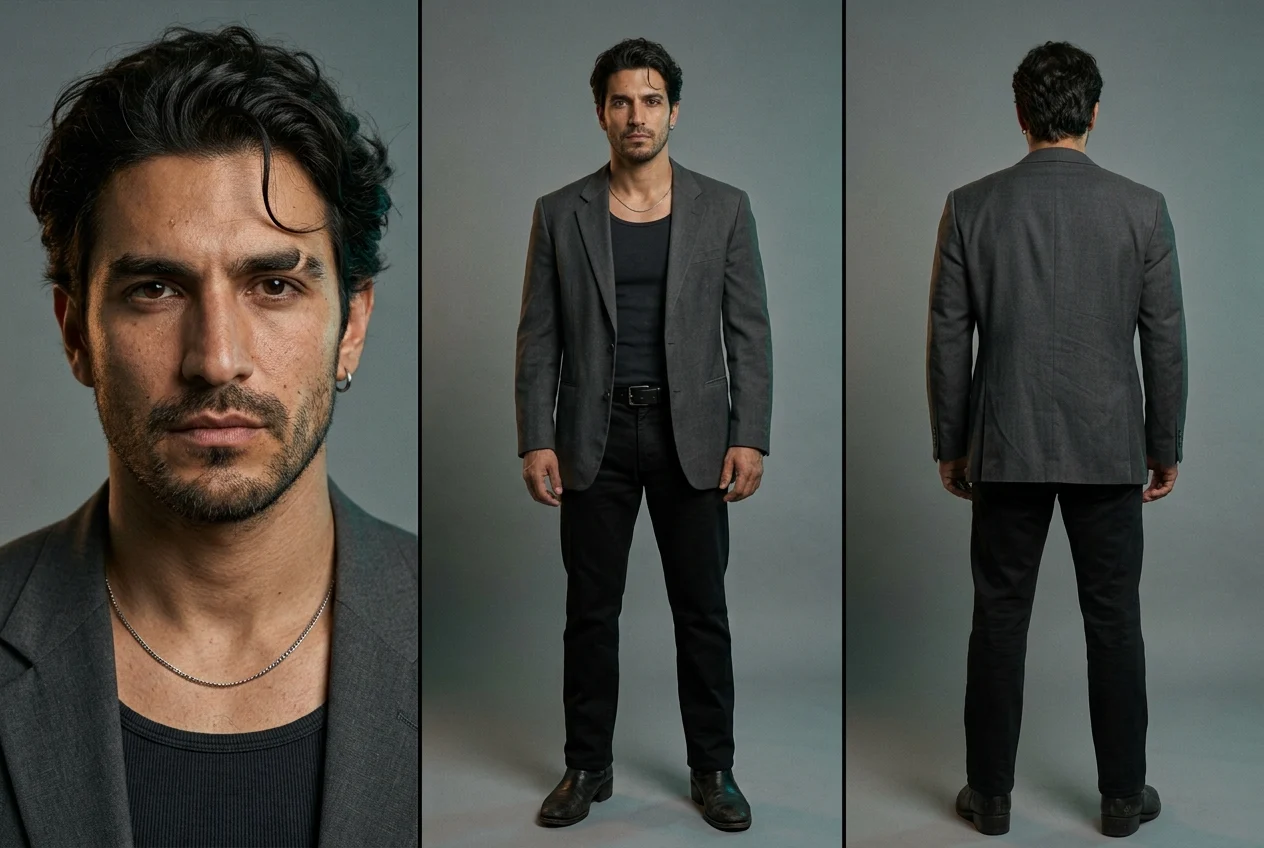
Ask for a portrait, full-body front and full-body rear view under neutral studio lighting. Keep both boots in frame and the front and rear figures at the same scale.
Inspect before approving
Compare the face, hair, jacket, jewelry and footwear across views. Reject mismatched clothing or changing anatomy. The approved sheet becomes the visual authority when a written description differs.
Save and keep the identity fixed
Save as Assets/Maya Chen.jpg and Assets/Mateo Cruz.jpg. In reference mode, explicitly say that the panels are multiple views of one person. For image-to-video, use a complete scene still instead.
Maya Chen · Assets/Maya Chen.jpgRead & copy the prompt
Create a photorealistic character reference sheet for the female lead of the cinematic music video "No Rehearsals."

CHARACTER: Maya Chen, a 25-year-old Asian American woman of Chinese heritage. Beautiful, magnetic, mysterious, with a quietly defiant presence. Oval face, defined cheekbones, dark brown almond-shaped eyes, straight natural brows, softly full lips, warm light-medium skin with visible natural texture. A small beauty mark beneath her left eye. Jet-black chin-length blunt bob with a slightly uneven, eyebrow-length fringe; a few loose strands soften the precise haircut. Subtle smoky eyeliner and muted rose lip gloss. Her expression is guarded and searching, as though she knows the camera has caught something she meant to hide.

BUILD AND WARDROBE: Approximately 168 cm tall, slim build with natural proportions. A deep oxblood satin slip dress with narrow straps, a gently draped neckline, mid-calf hem, and a modest slit on her left side. Worn black leather jacket ending at the waist, worn open, sleeves down. Black leather ankle boots with a narrow square toe and low block heel. Small silver hoop earrings in both ears and one plain silver ring on her right index finger. No other accessories.

COMPOSITION: One landscape 3:2 image divided into three clean vertical panels. Left: a detailed close-up portrait, head and shoulders, facing directly toward the camera, hair and entire chin visible. Center: full-body front view, standing naturally, arms slightly separated from her torso, hands relaxed, both boots entirely visible. Right: full-body rear view, facing directly away, showing the exact back of her haircut, jacket, dress, and boots. Front and rear figures at identical scale and aligned at the feet.

VISUAL TREATMENT: Cinematic photographic realism, restrained urban noir, subtle 35mm film grain, rich fabric texture and believable leather wear. Plain muted gray studio background. Soft neutral light clearly reveals her face, skin tone, and clothing, with faint teal and amber edge accents. Keep shadow detail readable.

Maintain exactly the same woman, facial structure, haircut, body proportions, outfit, and accessories across all three panels. The rear view must be anatomically consistent with the front. Sharp detail throughout each figure. No props, text, labels, logos, watermarks, extra people, cropped feet, exaggerated posing, plastic skin, or illustration.
Mateo Cruz · Assets/Mateo Cruz.jpgRead & copy the prompt
Create a photorealistic character reference sheet for the male lead of the cinematic music video "No Rehearsals."

CHARACTER: Mateo Cruz, a 29-year-old Latin American man from Mexico. Handsome, magnetic, mysterious, with restrained intensity and a trace of exhaustion. Medium olive-brown skin with natural pores, an angular face, pronounced cheekbones, strong jaw, slightly crooked nose bridge, deep-set dark brown eyes, thick eyebrows with a small natural notch in his right eyebrow. Short, even dark stubble. Thick dark brown wavy hair, medium length on top, loosely brushed back with one strand falling toward his forehead; shorter sides, natural neckline, no skin fade. His mouth is relaxed, his gaze direct and difficult to read, as though he is weighing a confession.

BUILD AND WARDROBE: Approximately 183 cm tall, lean athletic build, broad shoulders with natural proportions. A slightly worn charcoal single-breasted blazer, hip length, worn open over a fitted washed-black ribbed tank top. Straight-leg black tailored trousers with a medium rise, plain black leather belt, and worn black leather Cuban-heel ankle boots. A thin silver chain resting at his collarbone and one small silver hoop in his left ear. No other jewelry. The clothes feel carefully chosen but lived in, with subtle creasing.

COMPOSITION: One landscape 3:2 image divided into three clean vertical panels. Left: a detailed close-up portrait, head and shoulders, facing directly toward the camera, entire hairstyle and chin visible. Center: full-body front view, standing naturally with shoulders relaxed, arms slightly separated from his torso, hands open and visible, both boots entirely visible. Right: full-body rear view, facing directly away, clearly showing his hair at the nape, blazer construction, trouser fit, and boots. Front and rear figures at identical scale and aligned at the feet.

VISUAL TREATMENT: Cinematic photographic realism, restrained urban noir, subtle 35mm film grain, tactile cloth and leather, believable skin texture. Plain muted gray studio background. Soft neutral light clearly reveals facial features, true skin tone, and garment details, with faint teal and amber edge accents. Keep shadow detail readable.

Maintain exactly the same man, facial structure, hairstyle, stubble, body proportions, outfit, and accessories across all three panels. Preserve the eyebrow notch and left-ear hoop on their anatomically correct sides. Sharp detail throughout each figure. No props, text, labels, logos, watermarks, extra people, cropped feet, exaggerated muscles, plastic skin, or illustration.
03 / THE WORKFLOW
BUILD THE WORLD. LEAVE ROOM FOR THE STORY.
Petrol-blue shadows, amber practical lights, wet streets and restrained red neon hold the film together.
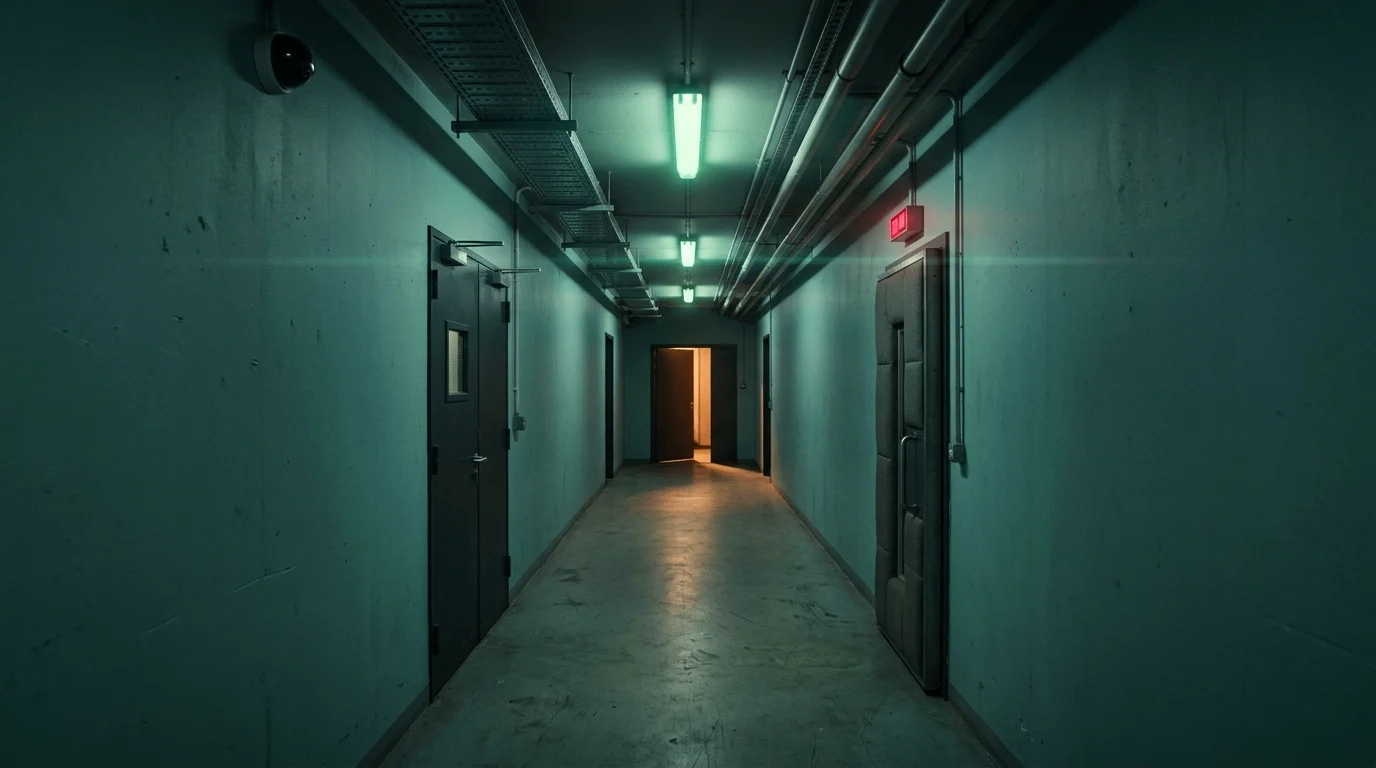
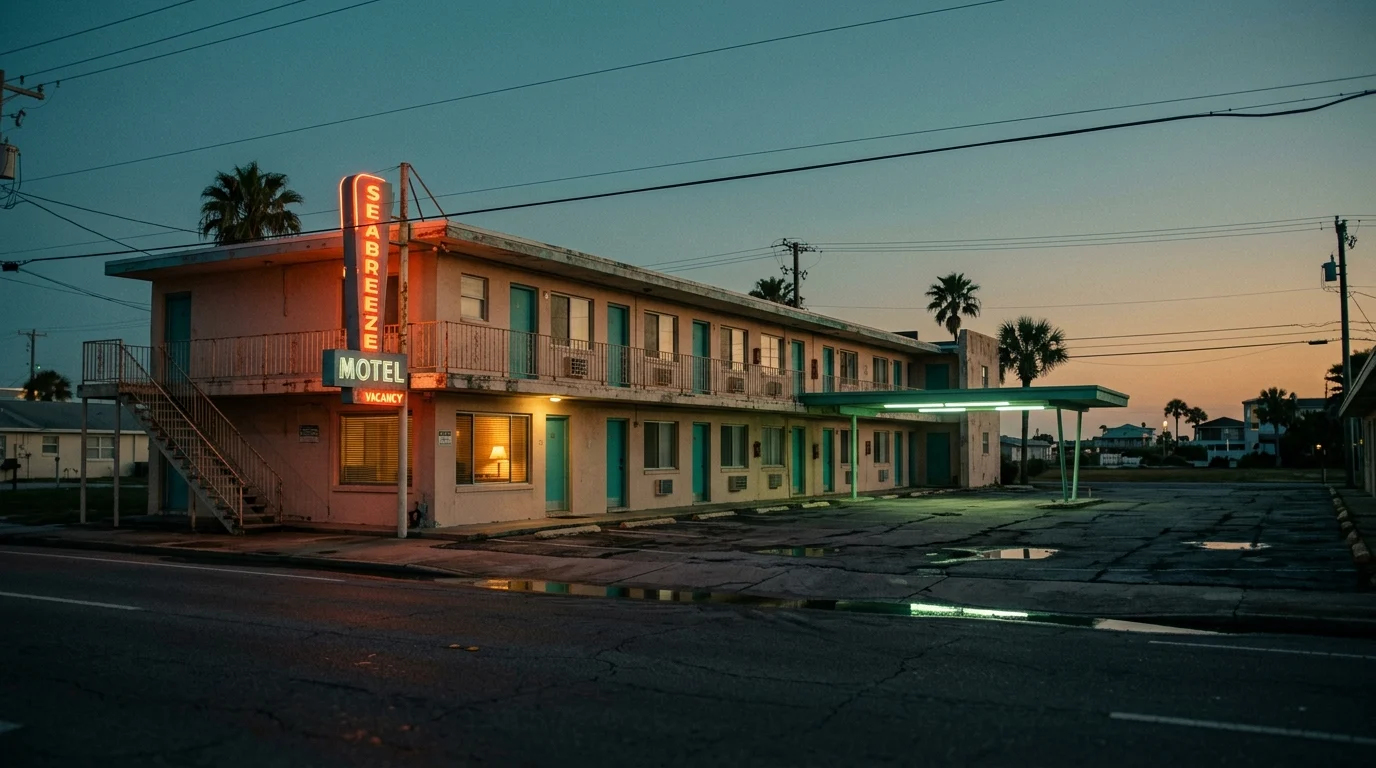
02 · Motel Room · Late Evening05 · Service Corridor · Night
Generate empty spaces first
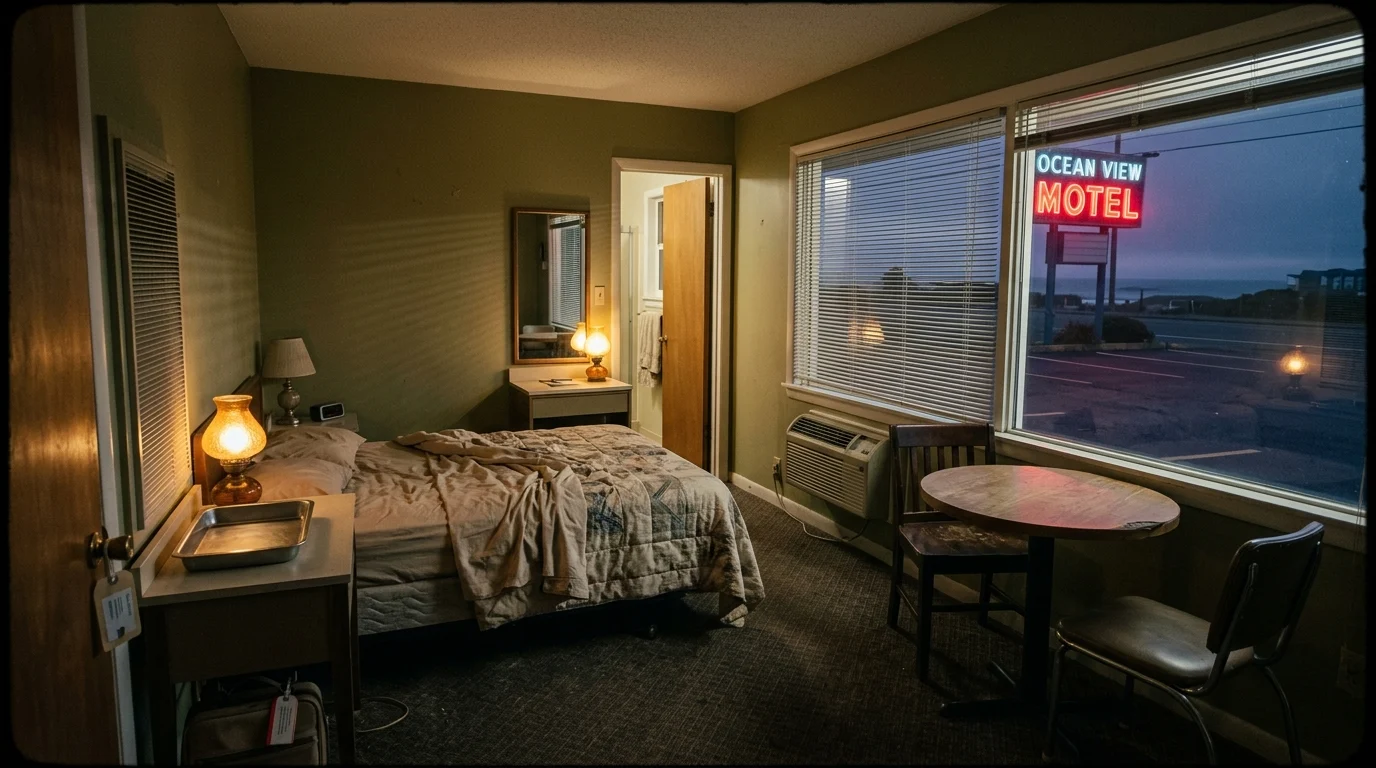
Set a landscape 16:9 canvas. Describe architecture, materials, practical lighting, time of day and camera position. Request one continuous image, with no panels, collage or people.
Keep usable space in the frame
Leave room beside the motel table, along the corridor or on the road for characters and vehicles. Preserve recognizable doors, windows and furniture when changing angles.
Approve one image per location
Use the supplied 18-location library for the first pass. Add characters during scene composition. Store accepted scene stills separately from empty location references.
Read & copy the prompt
Generate one photorealistic cinematic location image in landscape 16:9. One continuous composition, no panels or collage.

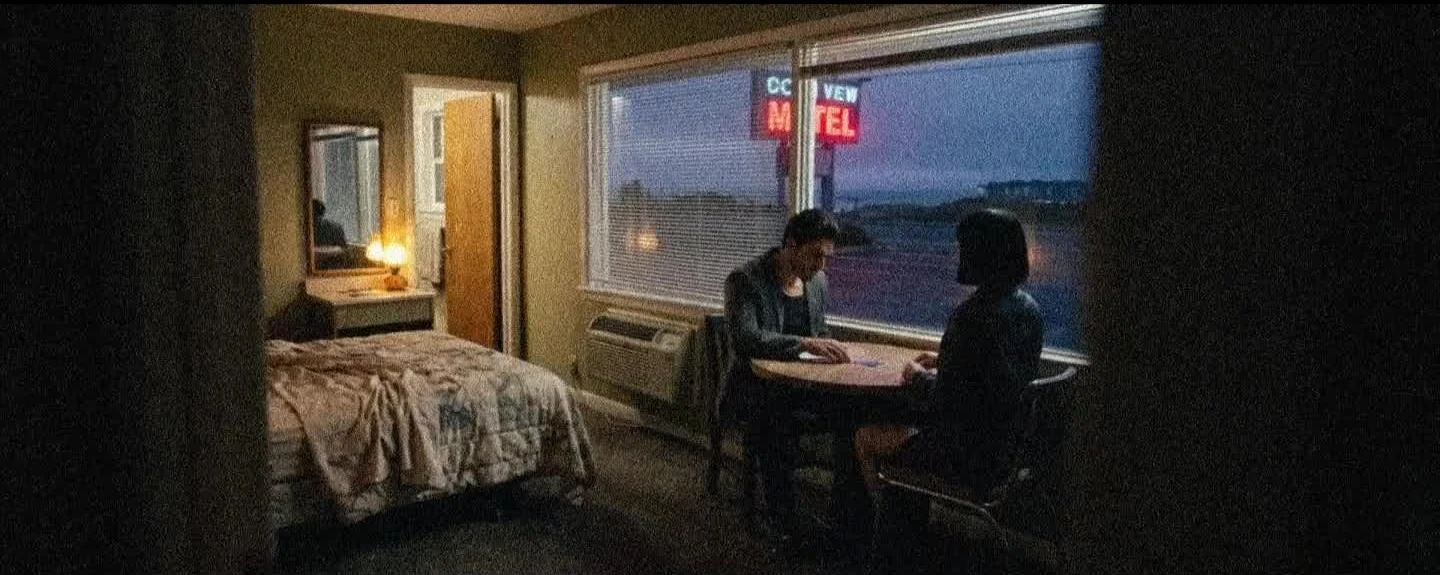
A small, worn coastal motel room at the end of evening. A double bed against the left wall, a round wooden table and two mismatched chairs beside a large front window on the right. Venetian blinds cast thin shadows. At the rear, a narrow vanity holds a rectangular mirror, an empty shallow stainless-steel tray, and an amber lamp. A bathroom doorway stands beside the vanity. Muted olive walls, faded beige bedding, dark patterned carpet, an old air conditioner beneath the window.

Photograph from the entrance with a moderately wide lens, clearly establishing the table, bed, window, and vanity. Leave clear space around the table for two characters. Cool residual daylight, red exterior neon reflected in the glass, subdued amber practical light.

Dark intimate cinematography, anamorphic optical character, faint haze, fine film grain, gentle highlight bloom and edge distortion. No people, weapons, drugs, drinks, cigarettes, captions, or watermarks.
Explore all 18 project locations
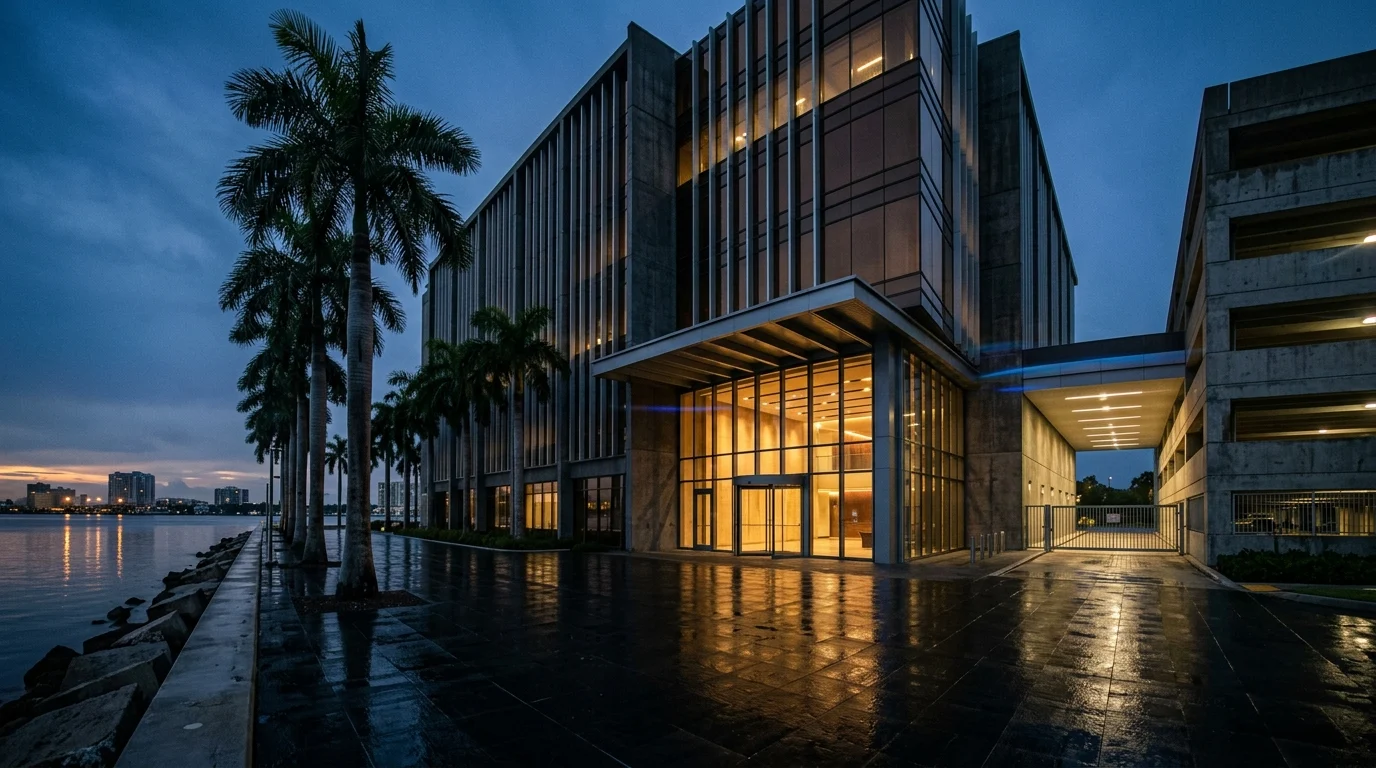
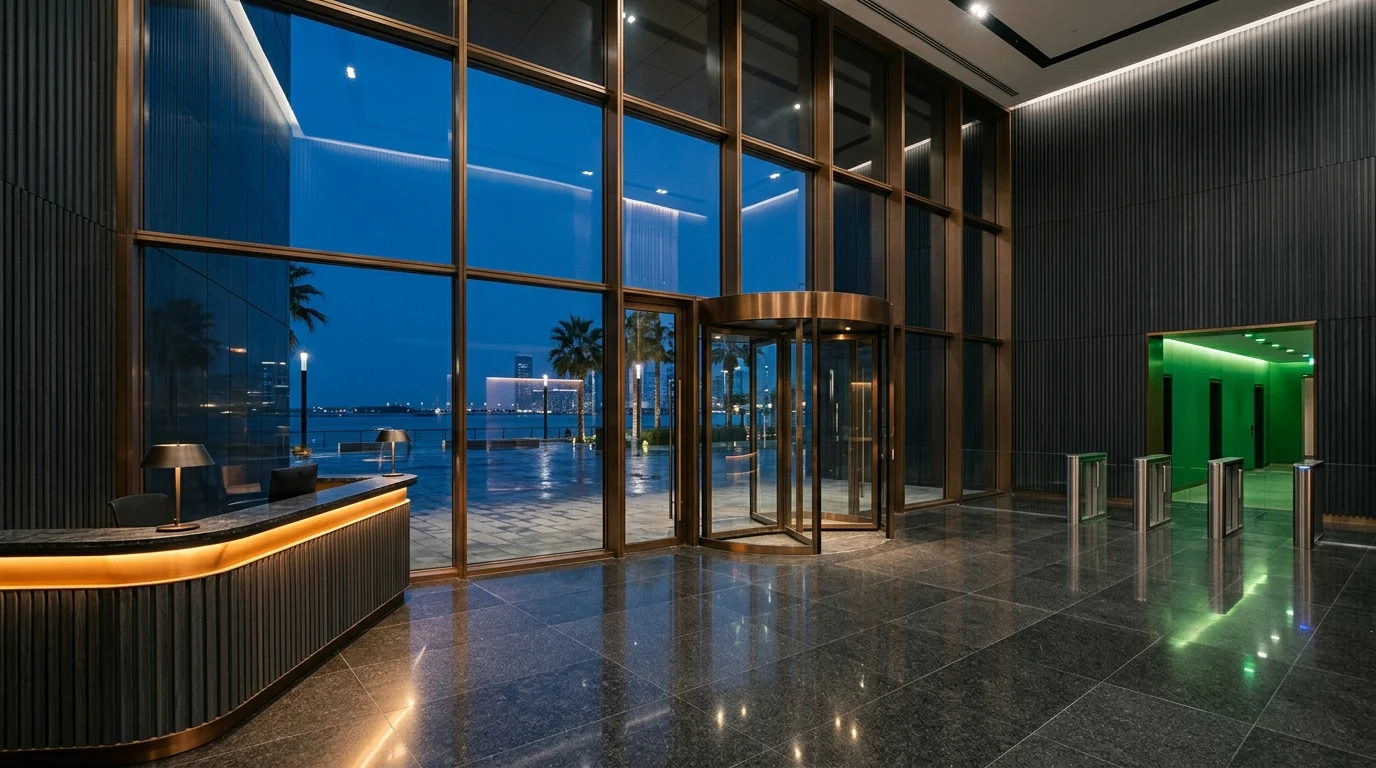
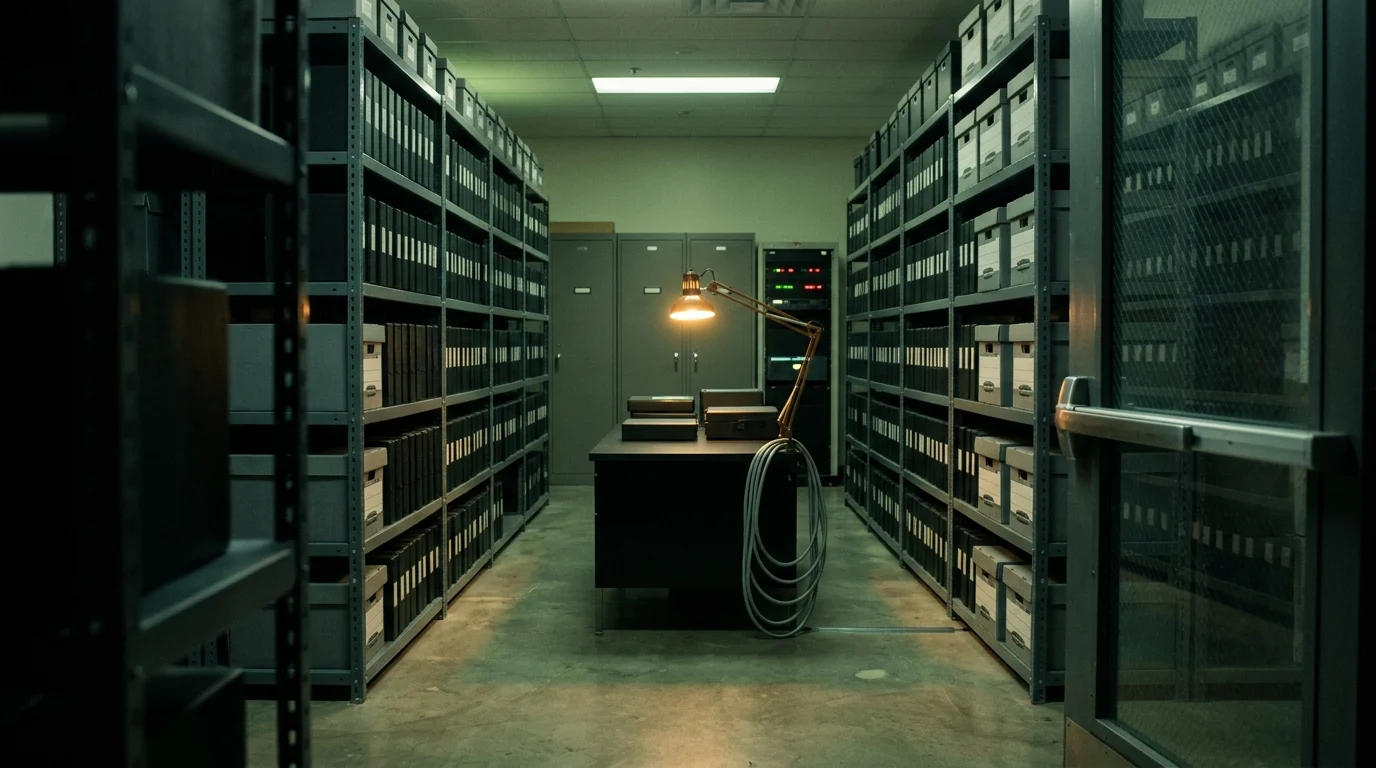
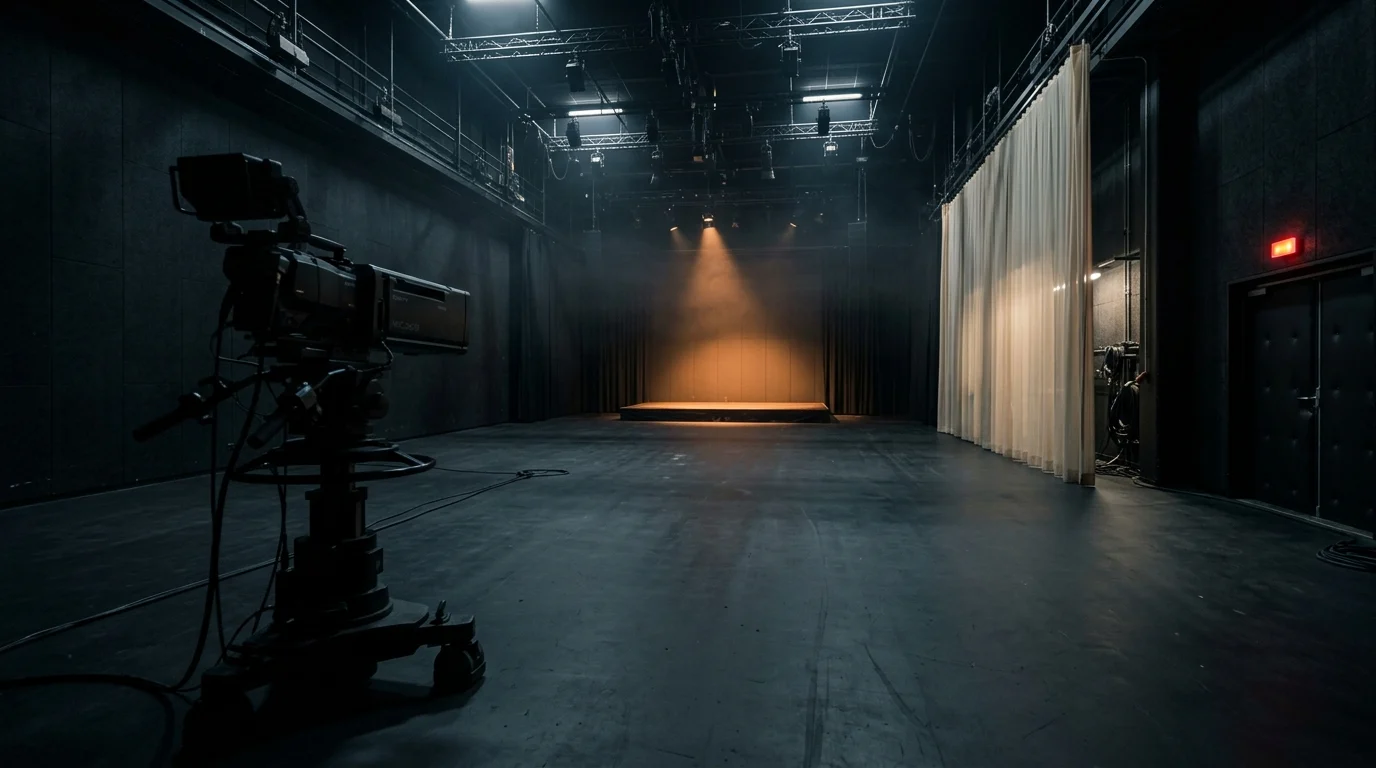
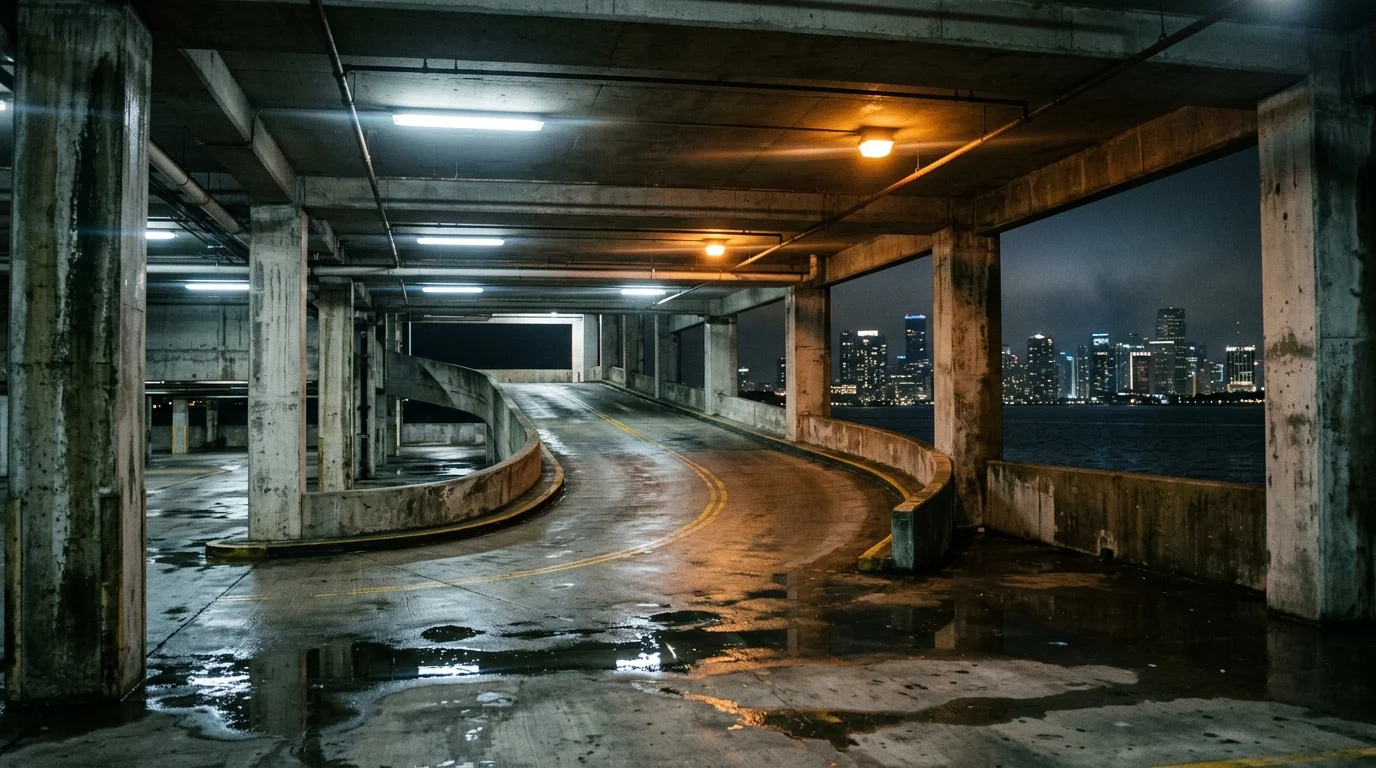
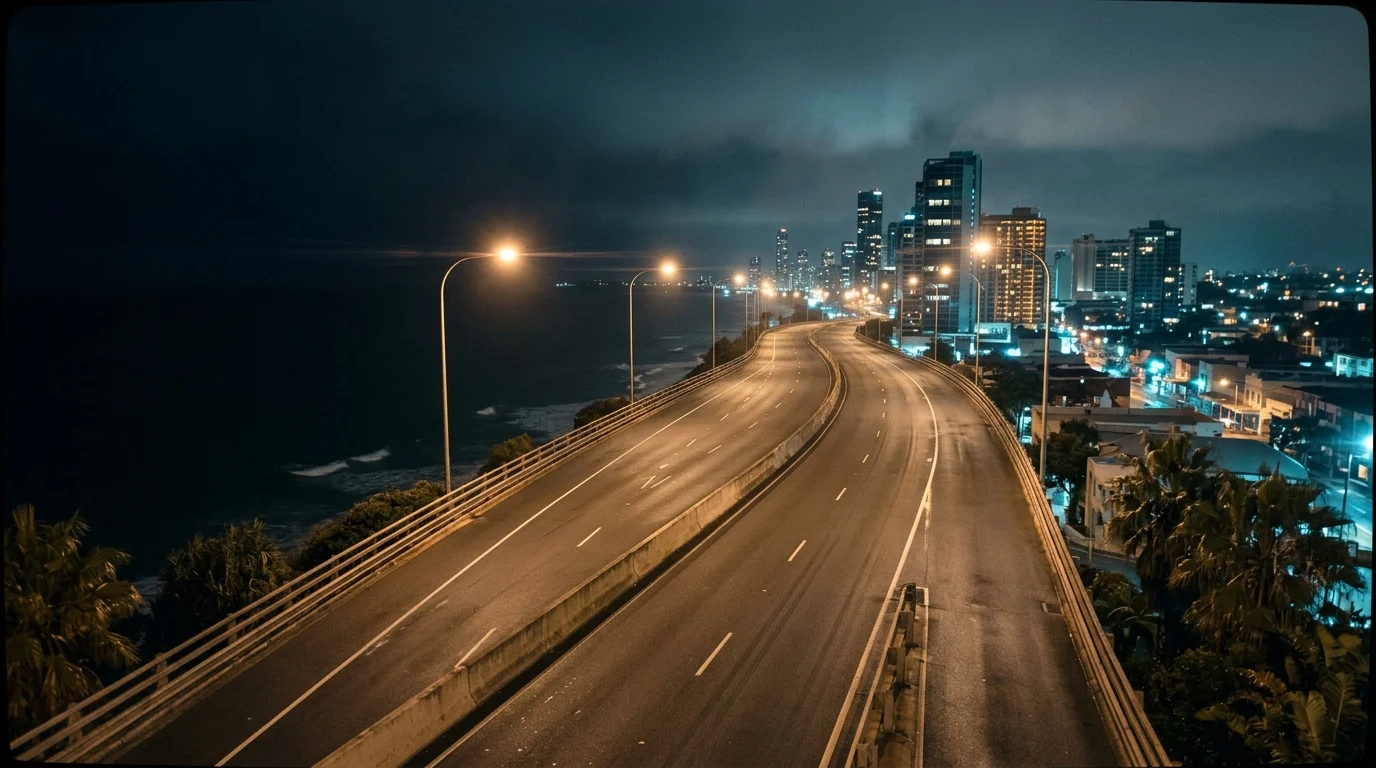
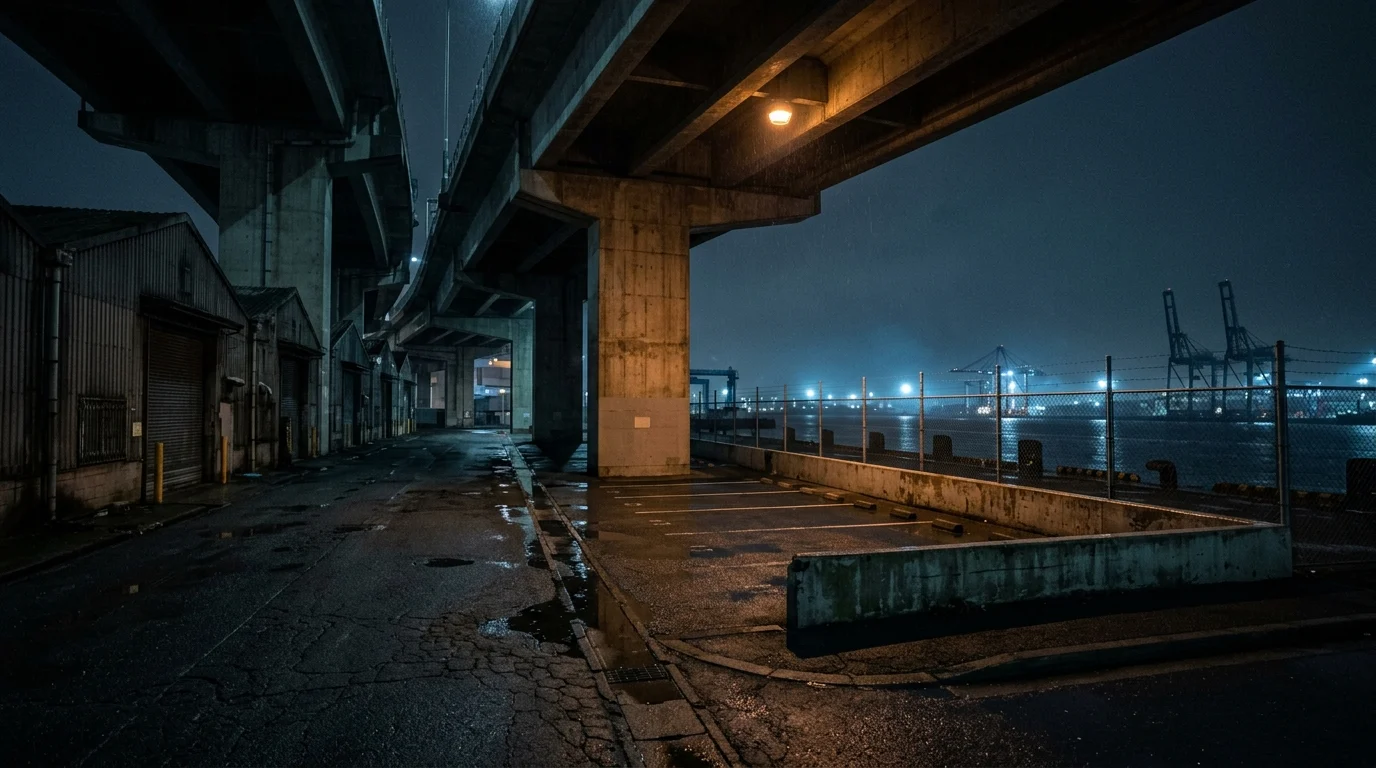
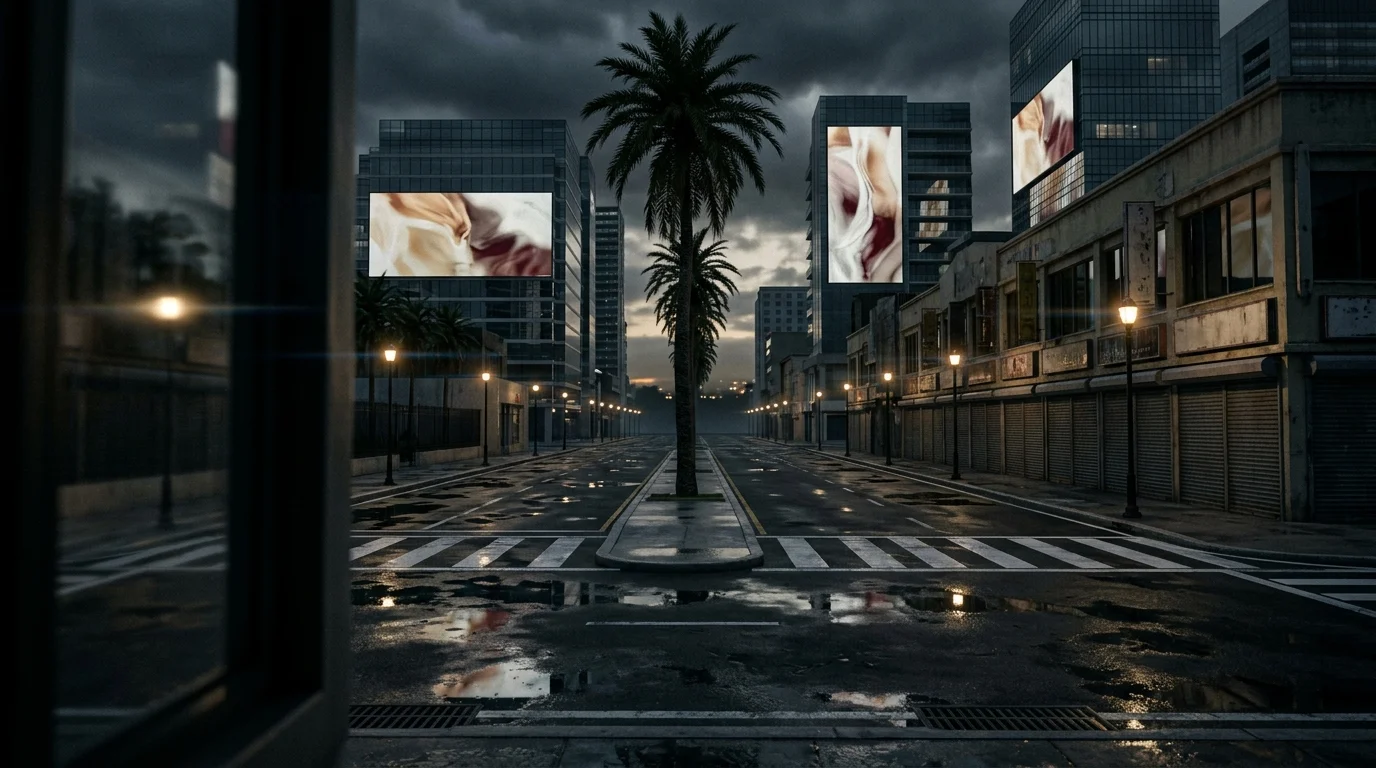
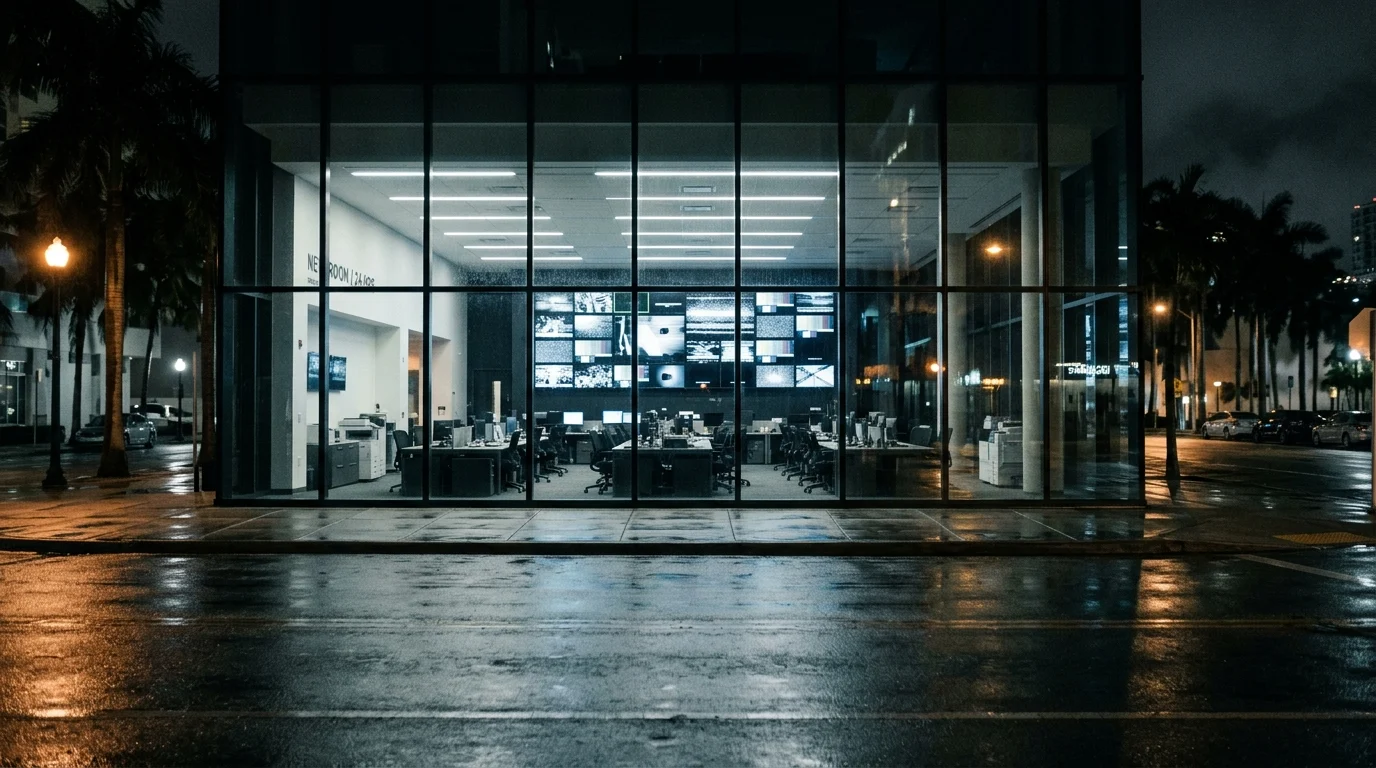
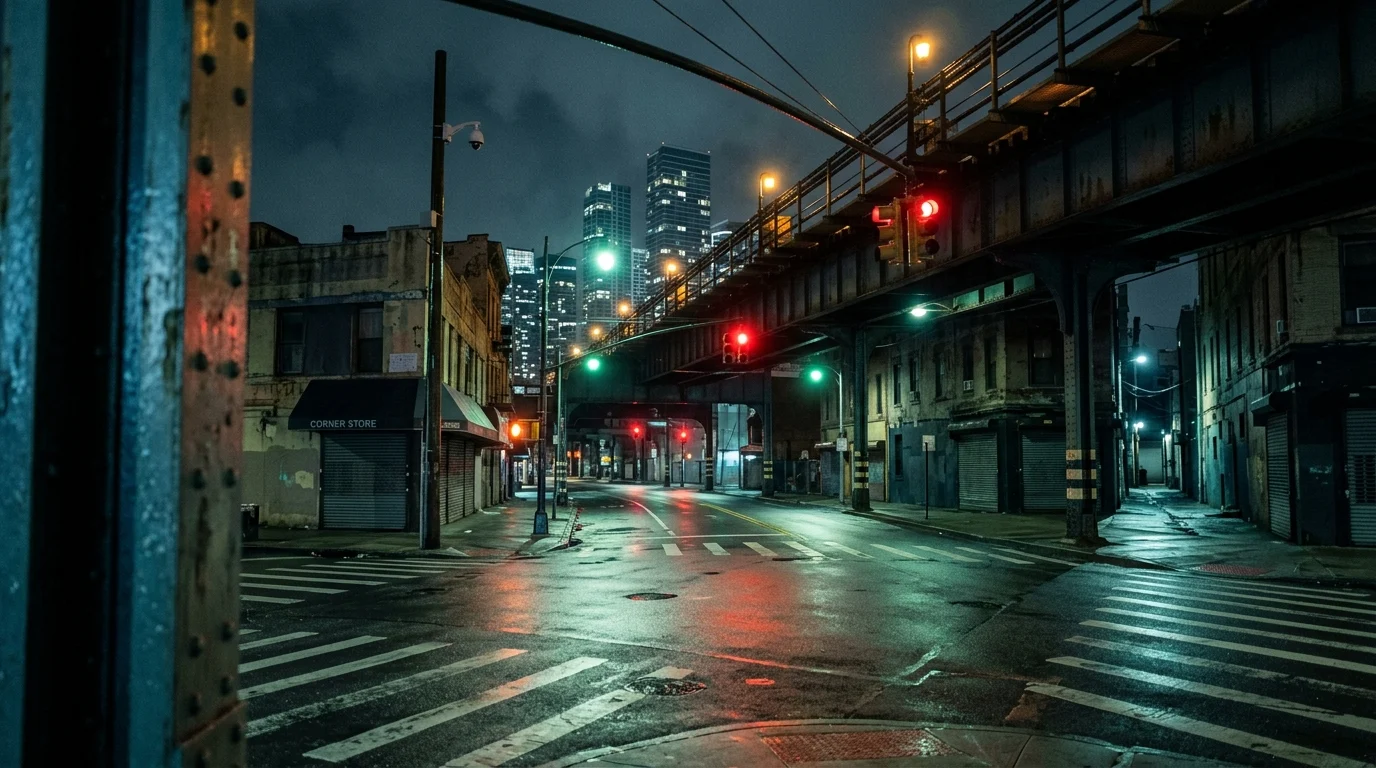
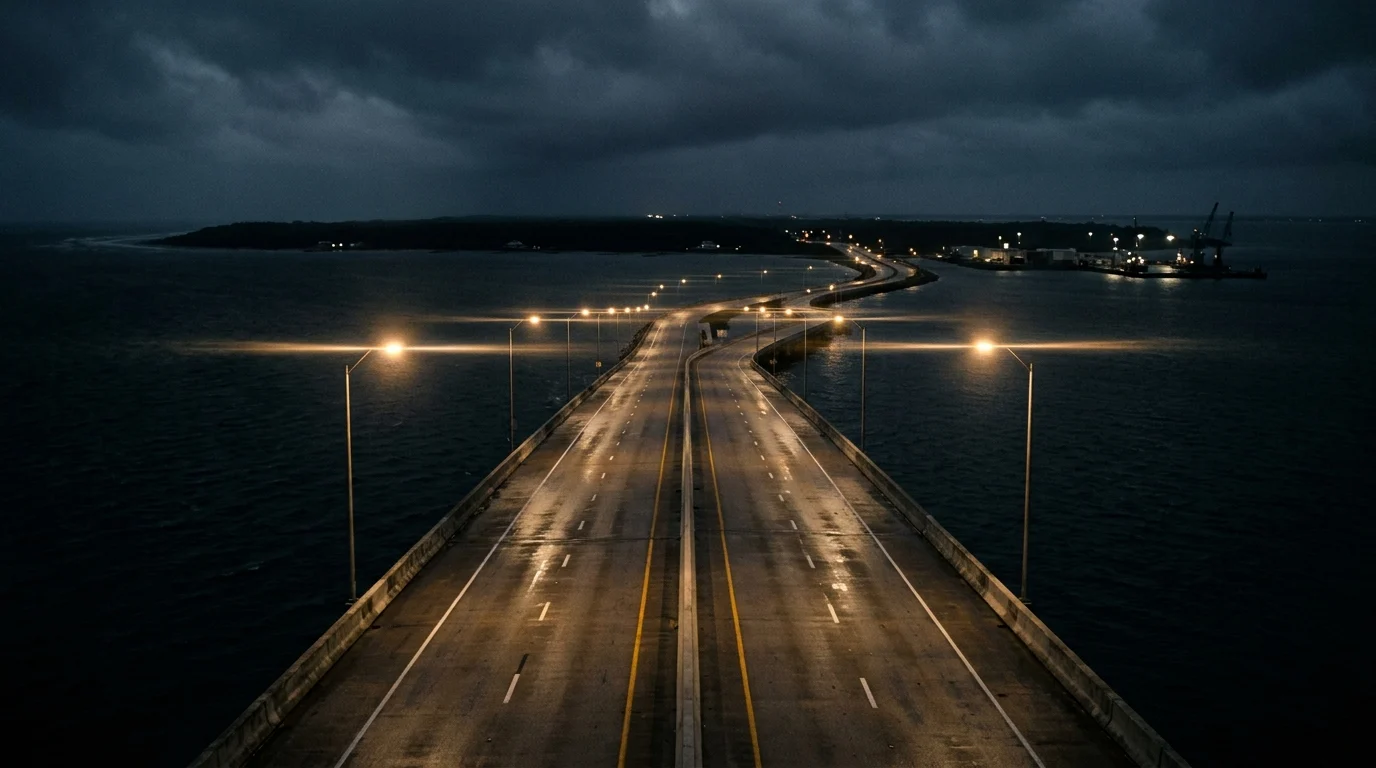
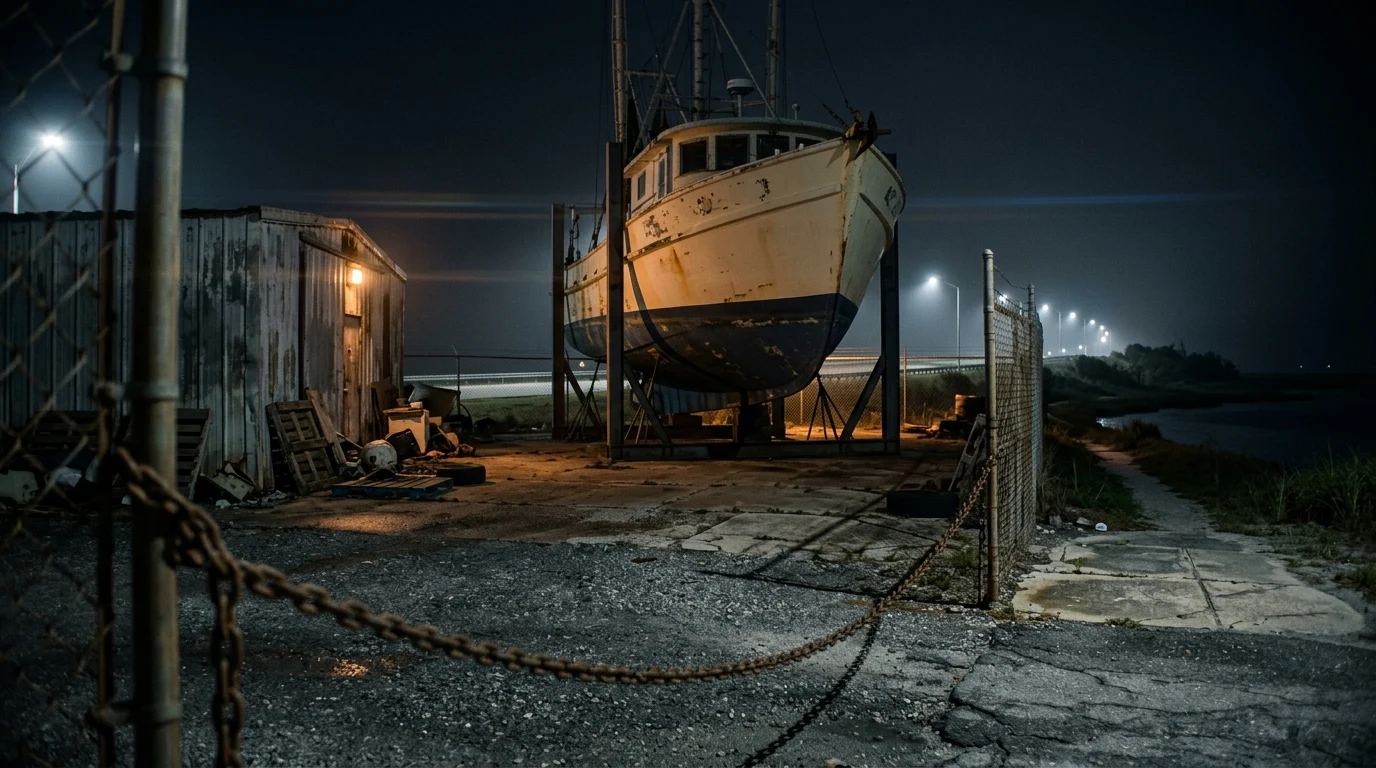
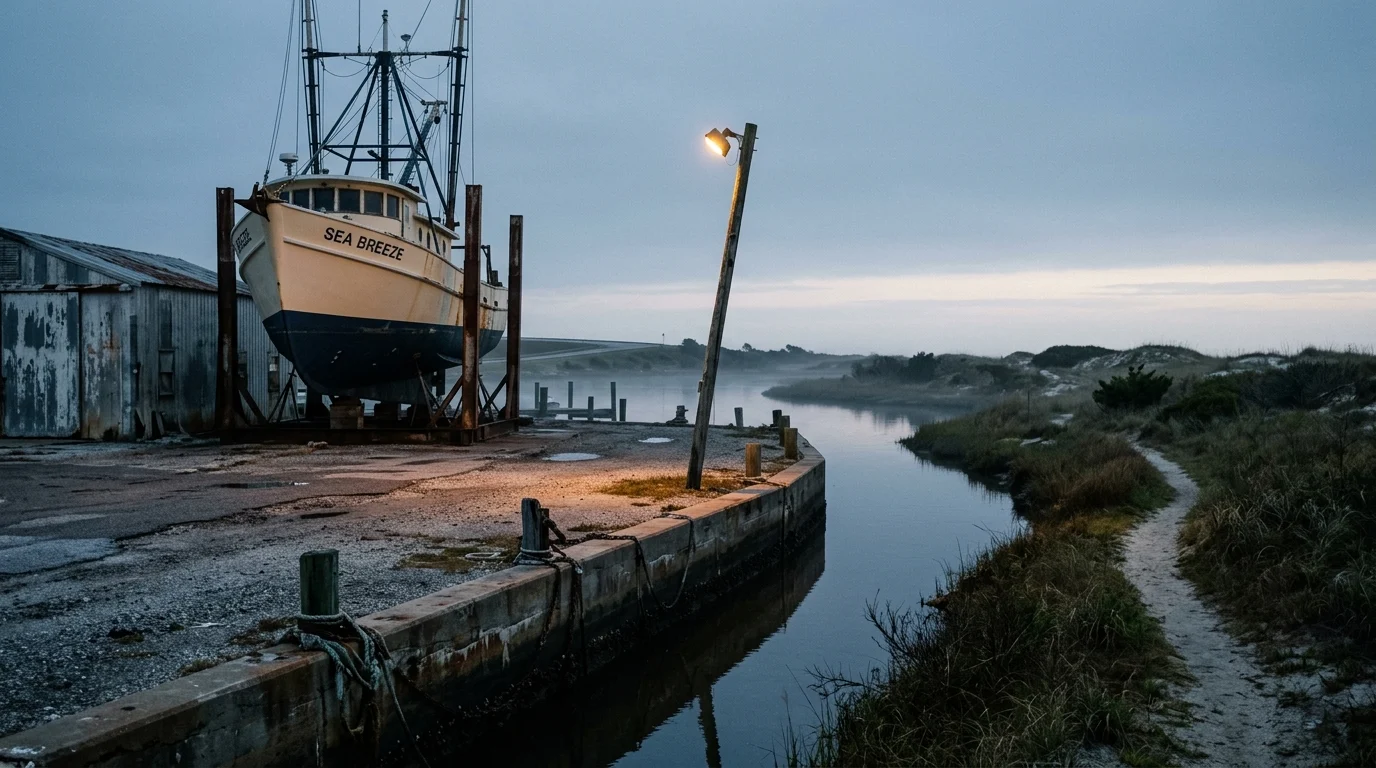
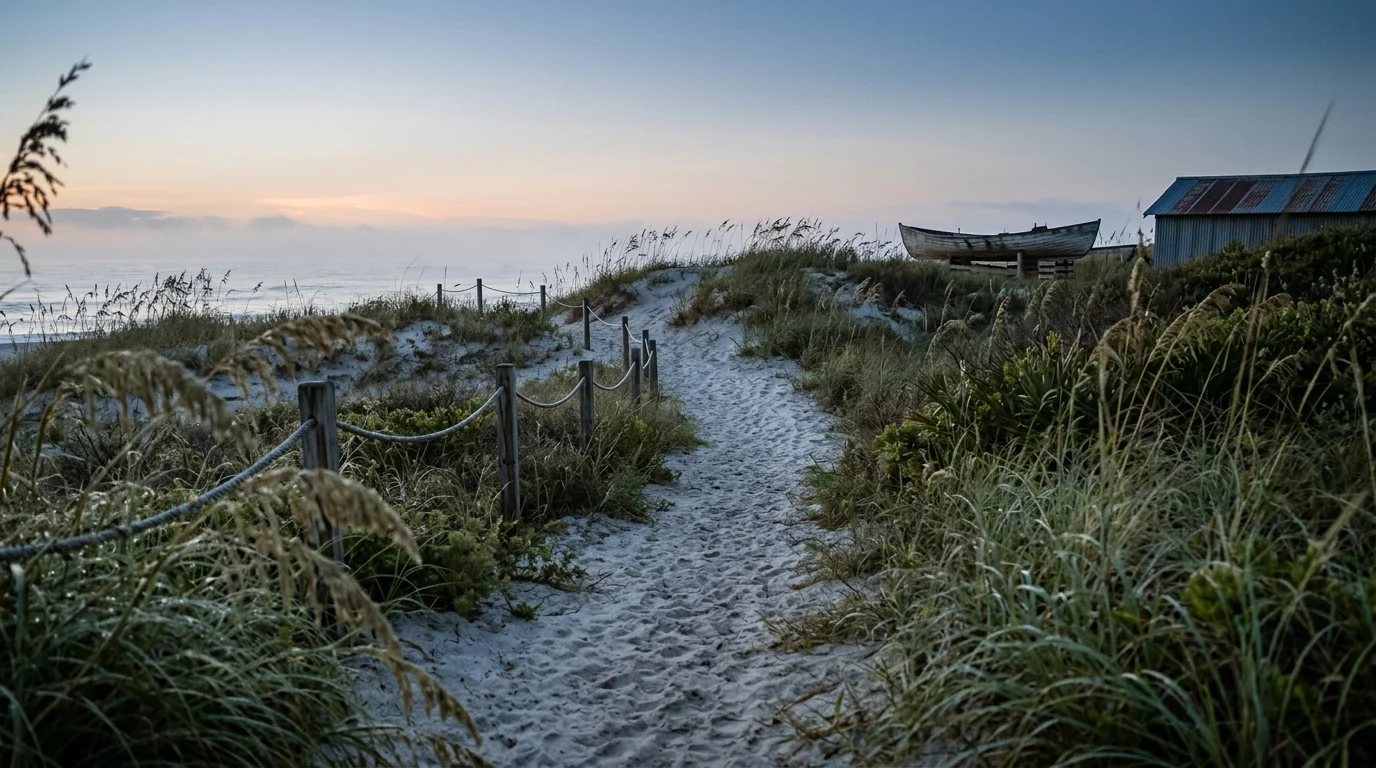
01 · Motel Exterior · Late Evening02 · Motel Room · Late Evening03 · Waterfront Broadcast Complex · Blue Hour04 · Revolving-Door Lobby · Blue Hour05 · Service Corridor · Night06 · Private Media Archive · Night07 · Empty Recording Studio · Night08 · Waterfront Parking Garage · Night09 · Elevated Coastal Highway · Late Night10 · Industrial Overpass Hideout · Late Night11 · Palm-Lined City Boulevard · Late Night12 · Glass-Fronted Newsroom · Late Night13 · Elevated-Rail Intersection · Late Night14 · Open-Water Causeway · Deepest Night15 · Abandoned Boatyard · Night16 · Boatyard Waterfront · Predawn17 · Dune Path · First Light18 · Remote Beach · Early Morning
04 / THE WORKFLOW
CHOOSE THE INPUT. CONTROL THE SHOT.
A reference image, an opening frame and an ending frame have different jobs.
A
Reference-to-video
Use when: you need a new composition featuring known people and places.
Load the character sheets and environment in a deliberate order. Name every image’s role in the prompt. “Image 1 is Maya, Image 2 is Mateo, Image 3 is the motel.” Update that wording if your loader order differs.
IDENTITY + PLACE → NEW COMPOSITION → MOTION
B
Image-to-video
Use when: a finished still already has the framing you want.
Load that still as the first frame. Match its aspect ratio, leave the last-frame input unused or disable it as your graph requires, and describe what moves after the opening moment.
APPROVED SCENE → OPENING FRAME → MOTION
C
First frame + last frame
Use when: a shot needs to connect two specific visual states.
Use a compatible keyframe graph exposing both endpoints. Align crop, dimensions, camera axis, subject size and room geometry. Describe the physical action that connects them; do not ask for a dissolve.
START STATE → PHYSICAL CHANGE → END STATE
◈ ComfyUIReference-to-videoWORKFLOW MAP
Load Image
Maya Chen.jpg
IMAGE 1 · Maya’s identity
IMAGE
Load Image
Mateo Cruz.jpg
IMAGE 2 · Mateo’s identity
IMAGE
Load Image
02 — Motel Room.jpg
IMAGE 3 · room + lighting
IMAGE
Preserve this reference order → image inputs
Text Prompt
Image 1 defines Maya. Image 2 defines Mateo. Image 3 defines the motel. Compose one of each person in this room; do not reproduce the reference-sheet panels.
TEXT
→
MiniMax H3 · reference path
Inputs
ordered image references
Duration target
5 seconds
Canvas
supported output size
VIDEO
→
Save / Review Video
✓
Check identity, wardrobe and the room layout.
OUTPUT
HTML workflow illustration · simplified connections, not an executable graph. Load the supplied JSON in ComfyUI for the actual nodes and settings.
05 / THE WORKFLOW
MAKE THE LIGHT DO THE STORYTELLING.
Start here: one camera, one thumb movement, one change in light. A complete first/last-frame exercise.
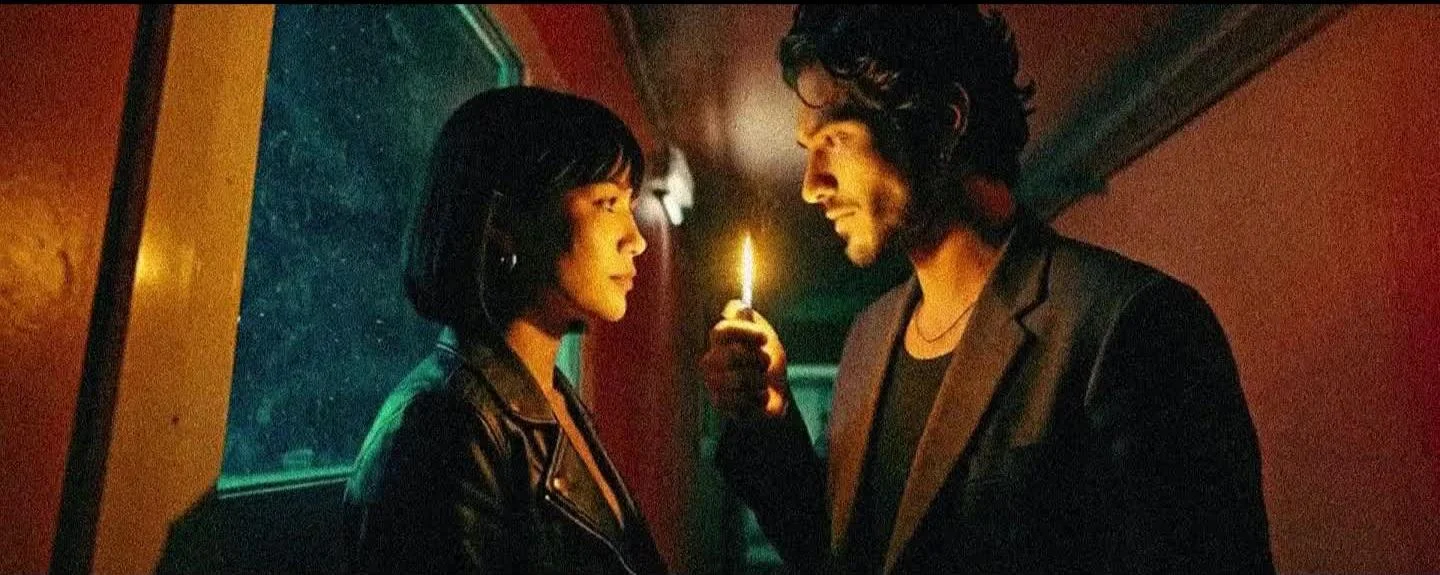
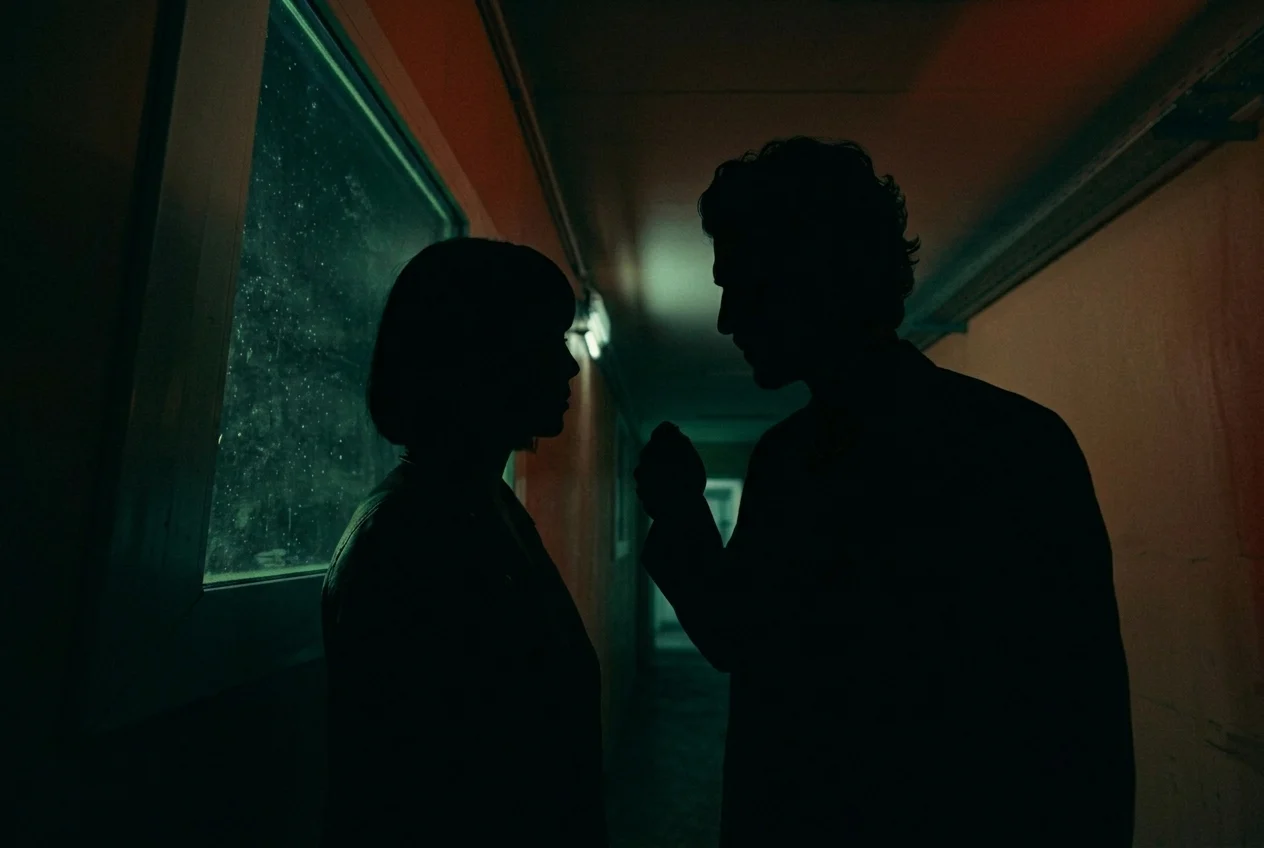
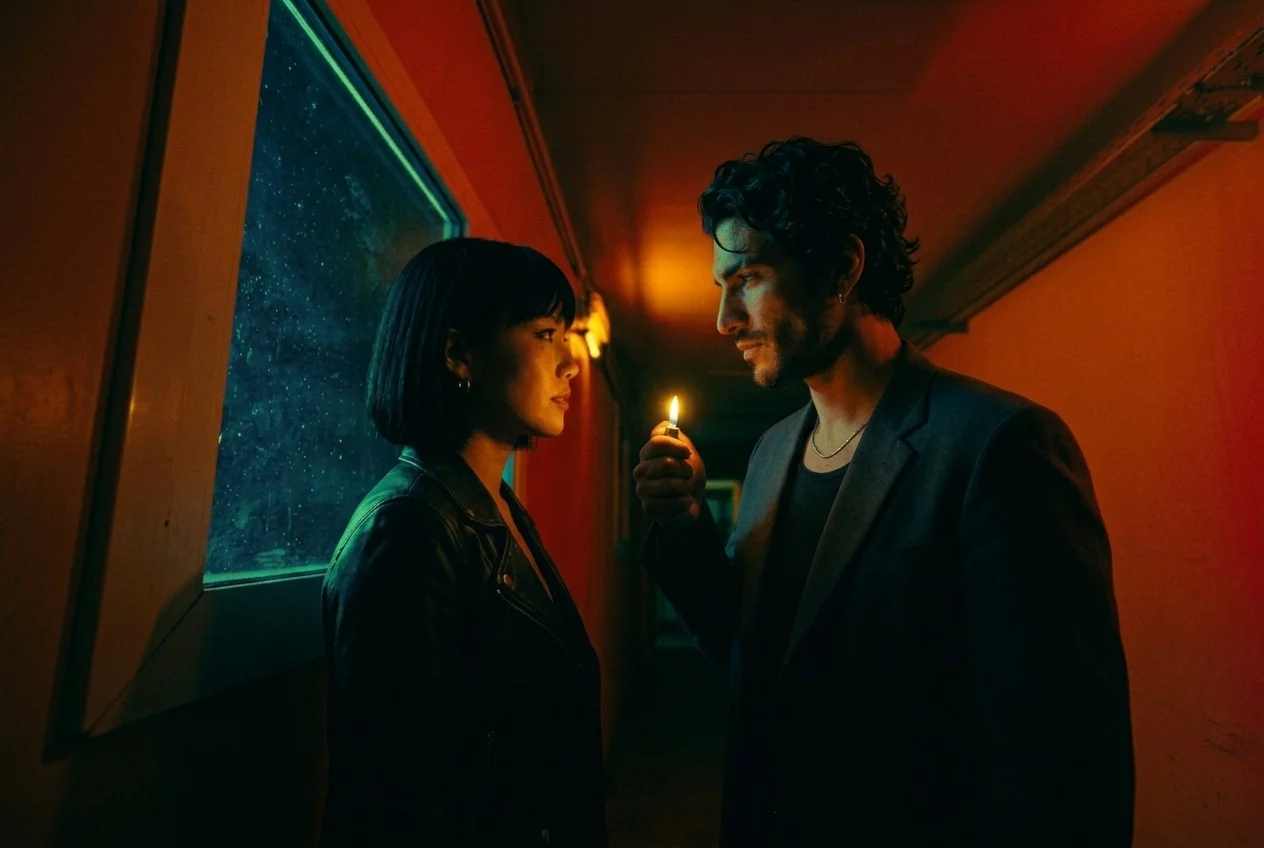
Put Assets/05b.jpg in first_frame and Assets/05.jpg in last_frame. Both originals are 1264 × 848. Keep their crops identical.
Lock the anchors
Preserve the two identities, their positions, the rain-speckled window and the camera angle. Keep ambient exposure constant. The flame should cause the change in illumination.
Direct three beats
Hold in darkness from 0–1.5 seconds. Strike the lighter and ignite from 1.5–2.5 seconds. Let the flame settle and hold the lit state from 2.5–5 seconds. These are creative timing targets to review in the output.
Review the entire transition
The thumb moves before the flame appears. The flame ignites once, lights the faces naturally and stays lit. Reject a global brightness ramp, morphing hands or a crossfade between the images.
Read & copy the prompt
Use 05b.jpg, the dark frame, as the exact first frame and 05.jpg, the illuminated frame, as the exact last frame. Create one continuous 5-second cinematic shot. Lock the camera completely: identical framing, perspective, and focal length throughout. Preserve both characters' identities, clothing, positions, the rain-speckled window, and corridor geometry.

[0-1.5 seconds] They face each other in silence, their faces in deep silhouette. He holds the unlit lighter raised between them. Maintain the dim teal ambience and subdued orange wall tones of the opening reference.

[1.5-2.5 seconds] He makes one small, natural thumb movement to strike the lighter. A brief spark immediately catches into a small flame. Warm light appears in direct response to ignition, revealing their faces, his hand, and nearby clothing.

[2.5-5 seconds] The flame settles into a steady burn with gentle natural flicker. He maintains his grip and holds the lighter between them. She remains still, lips relaxed, looking at him. Match the warm illumination, expressions, and poses of the final reference precisely.

Keep ambient lighting and camera exposure constant; the lighter provides the change in illumination. Preserve organic film grain and natural anatomy. No blowing, pursed lips, extinguishing, repeated ignition attempts, oversized flame, cuts, dissolves, or camera movement. Audio: one crisp lighter strike, a soft ignition, and faint corridor ambience; no dialogue or music.
◈ ComfyUIFirst + last frameWORKFLOW MAP
Load Image
05b.jpg
FIRST FRAME · unlit
IMAGE
Load Image
05.jpg
LAST FRAME · lit
IMAGE
Matched endpoints → keyframe inputs
Text Prompt
Keep the camera fixed. Strike the lighter once. Let its flame illuminate the faces, then hold the lit state. Keep ambient exposure constant.
TEXT
→
MiniMax H3 · keyframe path
Inputs
first_frame + last_frame
Duration target
5 seconds
Canvas
same crop + dimensions
VIDEO
→
Save / Review Video
✓
Check ignition, hand anatomy and the final lit state.
OUTPUT
HTML workflow illustration · simplified connections, not an executable graph. Load the supplied JSON in ComfyUI for the actual nodes and settings.
Try the reverse: a breath, then darkness.
Swap the inputs: 05.jpg first, 05b.jpg last. Rewrite the performance so Maya exhales, the flame bends away and extinguishes once. This is a new action to generate, not simply a reversed clip.
Read & copy the prompt
Use 05.jpg as the exact first frame and 05b.jpg as the exact last frame. Create one continuous 5-second cinematic shot. Lock the camera completely: identical framing, perspective, and focal length throughout. Preserve both characters' identities, clothing, positions, the rain-speckled window, and corridor geometry.

[0-1.5 seconds] They face each other in silence. He holds the burning lighter steadily between them. The flame flickers gently, casting warm light across their faces.

[1.5-2.5 seconds] She subtly leans toward the lighter, purses her lips, and gives one short, controlled breath. The flame bends away from her toward screen right, flutters briefly, then extinguishes completely.

[2.5-5 seconds] The flame's warm illumination disappears immediately, allowing their faces and clothing to fall into deep silhouette. The scene settles into the dim teal ambience and subdued orange wall tones of 05b.jpg, without an exposure adjustment brightening their faces. She relaxes her lips and returns to the final reference pose. He keeps the extinguished lighter raised as they hold each other's gaze. Finish precisely on 05b.jpg.

Maintain natural movement, restrained expressions, organic film grain, and consistent anatomy. No cuts, dissolves, camera movement, relighting flashes, reignition, exaggerated blowing, or visible breath cloud. Audio: one soft exhale and faint corridor ambience; no dialogue or music.
06 / THE WORKFLOW
DIRECT ONE ACTION. BUILD THE SEQUENCE.
Use these recipes to expand the film. Each one identifies the input, the motion and the details to check. Open a recipe for the full prompt.
The images below are scene previews. Portrait, mirror, map, motel, surveillance and lobby examples use crops from the finished workflow reel; the preparation notes identify where new source frames are needed.
01Run down the corridorI2V+
Supplied opening frame.
LOAD Assets/04.jpg
Direct the shot
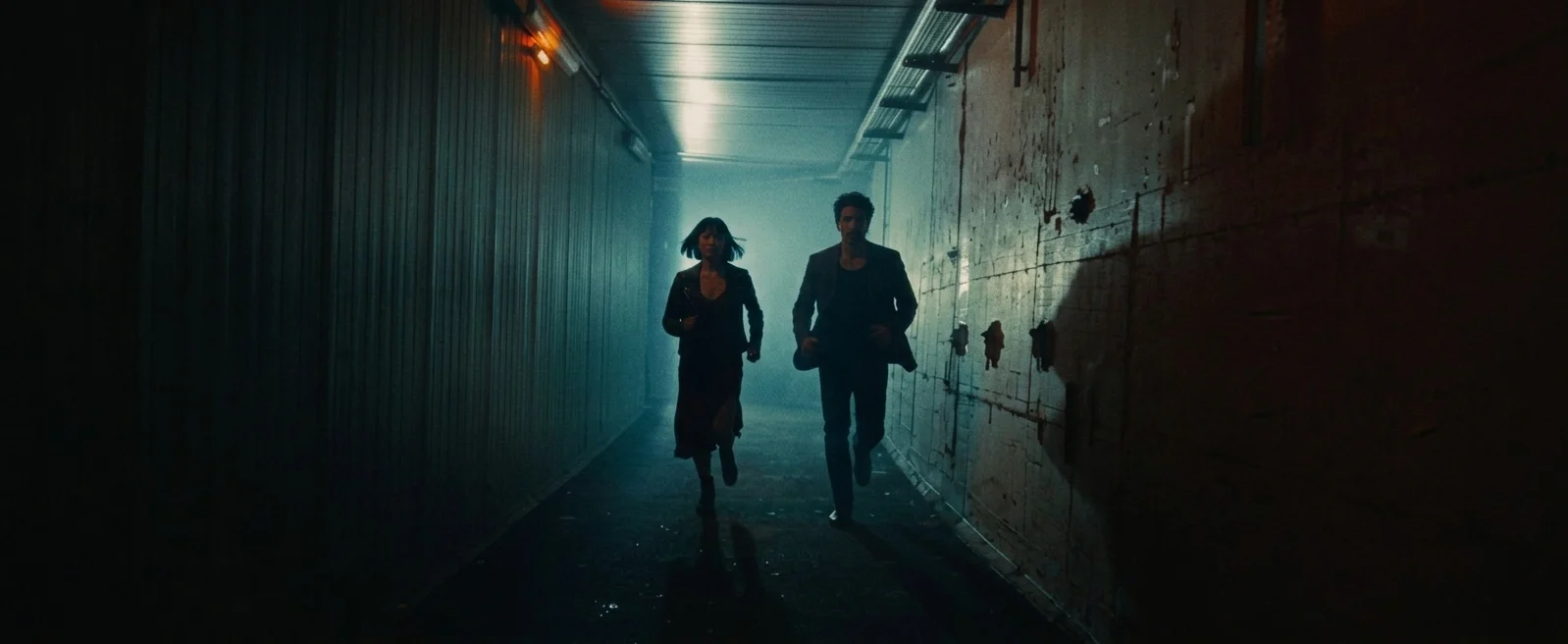
Load the complete corridor still. Keep Maya on frame left and Mateo on frame right. Direct real-time running toward the camera while the camera retreats at their speed.
Approve when it works
Check stable subject size, passing walls, natural strides and readable faces. A frozen background makes the run look like a treadmill.
Read & copy the prompt
Use the supplied image as the exact opening frame. Preserve both characters' identities, dark clothing, the woman on frame left, the man on frame right, and the narrow industrial corridor with cyan overhead lighting and warm orange accents.

One continuous 5-second handheld tracking shot. Both characters run urgently forward toward the camera with natural strides, coordinated arm swings, and focused expressions. The camera retreats down the corridor at exactly their running speed, maintaining a constant distance and consistent full-body framing. They remain approximately the same size throughout while the corridor walls, overhead fixtures, and floor move past with strong depth parallax.

Use believable handheld movement: rhythmic vertical bounce from the camera operator's backward steps, slight lateral sway, and small framing corrections. Keep their faces readable and both bodies within frame. Their clothing and the woman's bob respond naturally to running. Their shadows travel across the right wall as they pass beneath the lights.

Maintain the reference's dark cinematic exposure, cyan haze, warm practical lights, organic film grain, and natural motion blur. Real-time running, no speed ramps. No cuts, zoom, orbit, excessive shake, sliding feet, duplicated limbs, or changing faces. Audio: rapid footsteps, breathing, and clothing movement reverberating through the corridor; no dialogue or music.
02Compose the driving angleREFERENCE+
Reconstructed reference-mode recipe based on the approved assets; use 01.jpg for an exact opening.
LOAD Image 1: Mateo Cruz.jpg · Image 2: the car.jpg
Direct the shot
Assign Mateo’s identity to the first image and the coupe’s body, window and interior to the second. Compose a tight side-window view. Lock the camera to the moving car.
Approve when it works
The cabin stays stable while the city travels right to left. Ask for one passing headlight sweep between 2–3 seconds.
Read & copy the prompt
Create one continuous 5-second cinematic side-window shot of a man driving through a wet city at night.

Image 1 defines Mateo: preserve his face, swept dark wavy hair, stubble, charcoal blazer and washed-black top. Its panels are different views of one person. Image 2 defines the dark vintage coupe and the cool blue wet-street setting. Preserve its body shape, window design, trim and interior. Render one Mateo in one car; do not reproduce either reference as a collage.

Compose a new tight side view through the driver's window. Mateo sits behind the steering wheel, looking ahead, one hand resting naturally near its upper rim. Lock the filming camera relative to the moving car. Keep the man, window frame and cabin the same size and screen position throughout.

The city moves smoothly from screen right to screen left with layered depth and restrained motion blur. Mateo breathes subtly and makes only a small steering correction. Between 2 and 3 seconds, headlights from one passing car sweep pale light across his face, hand and cabin exactly once, then disappear.

Match the vehicle reference's petrol-blue night ambience, wet glass, soft reflections, dark exposure and organic grain. No cuts, zoom, orbit, changing car design, eye contact, extra passengers or dialogue. Quiet road and engine ambience only; no generated music.
03Drive past the cityI2V+
Supplied opening frame.
LOAD Assets/01.jpg
Direct the shot
Load the driver still. Keep the camera rigidly mounted outside the side window, with the driver’s scale and eye line unchanged. Animate city parallax outside.
Approve when it works
Keep his eyes on the road. The car stays fixed in frame while the background moves. Reject repeated headlight flashes.
Read & copy the prompt
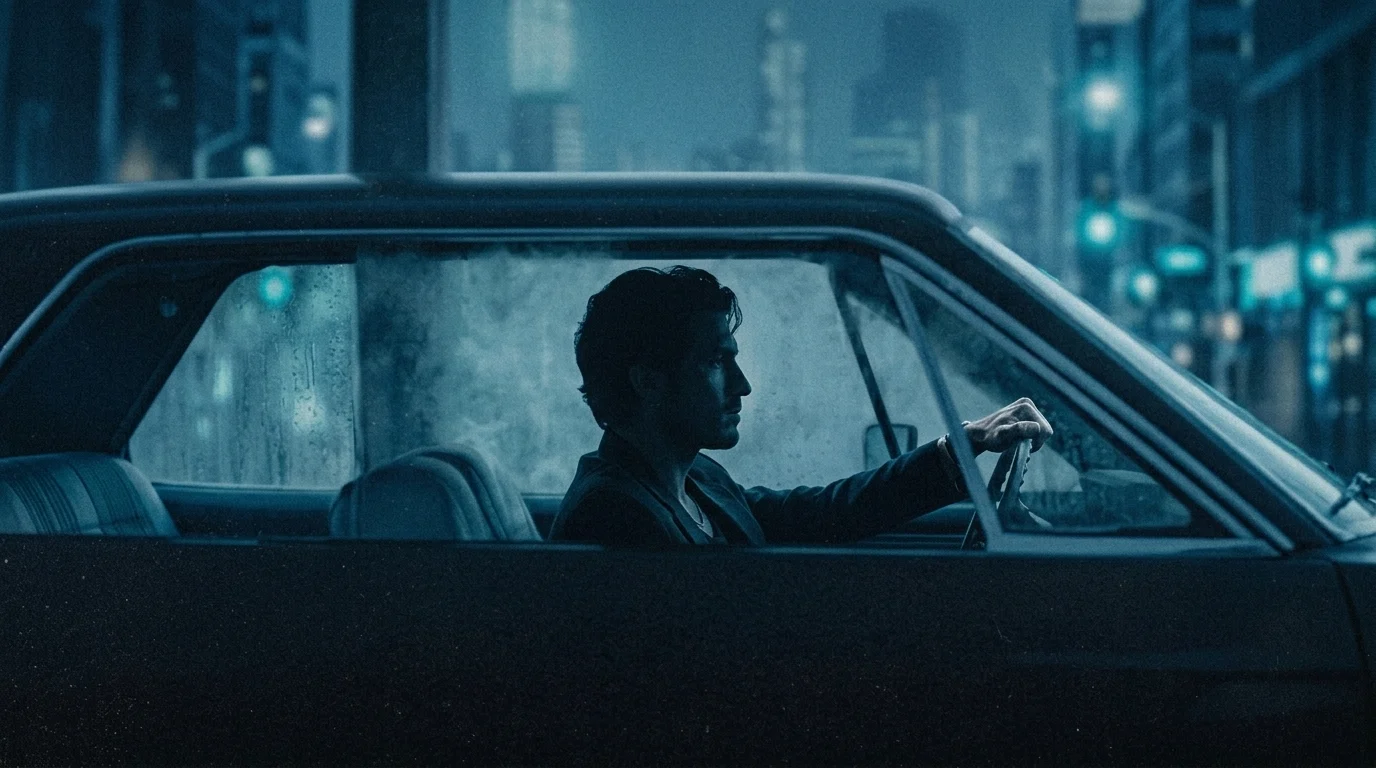
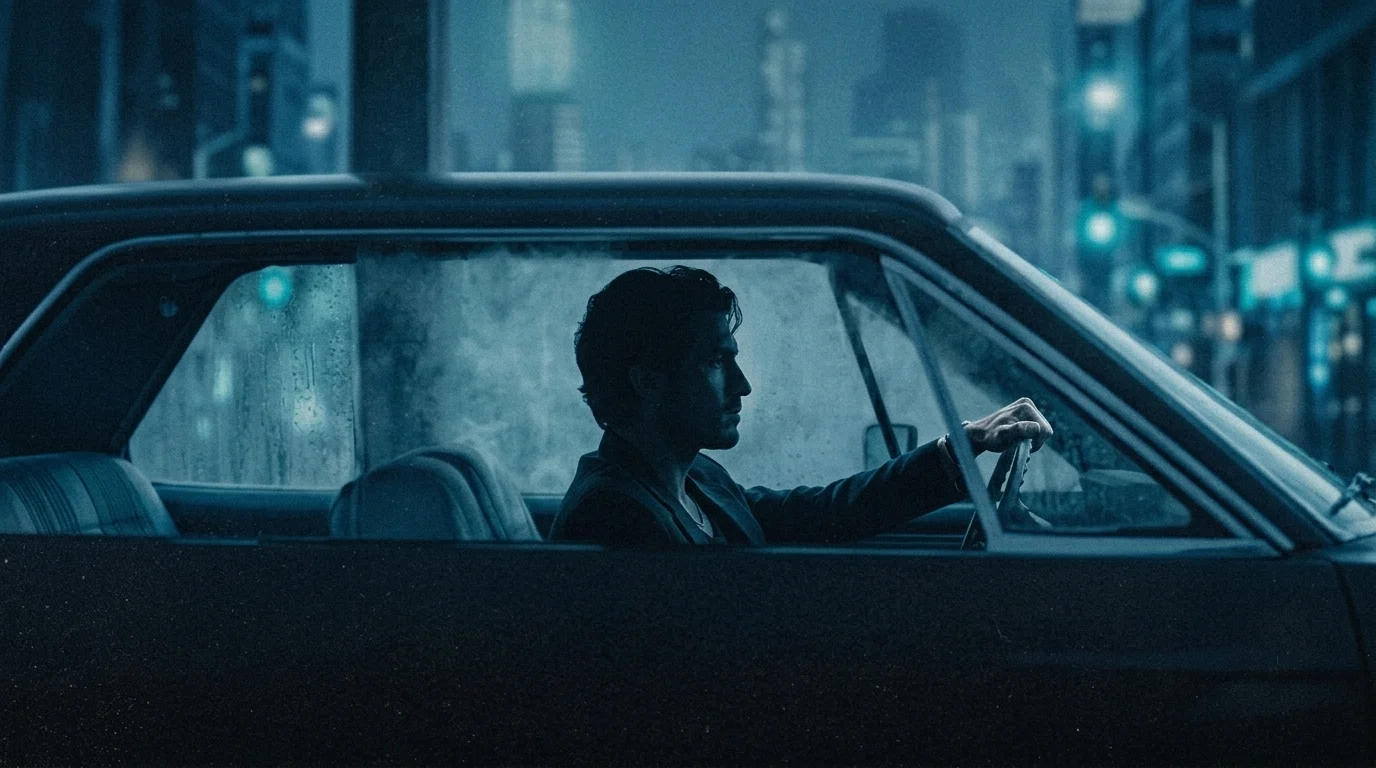
Use the supplied image as the exact opening frame. Preserve the man's identity, profile, clothing, hand position on the steering wheel, vintage car interior, and cool blue nighttime palette.

One continuous 5-second cinematic shot. The camera is rigidly mounted outside the driver's side window, locked relative to the moving car. Maintain exactly the same framing, angle, focus, and subject scale throughout. He drives steadily forward, eyes fixed on the road, expression calm and serious. His posture remains consistent, with subtle breathing and minimal natural steering adjustments.

Outside, city buildings and streetlights move smoothly from screen right to screen left, with believable depth parallax and restrained motion blur. The driver, window frame, and car remain stable in the composition.

From 2-3 seconds, headlights from one passing vehicle create a single soft sweep of pale light across his face, hand, and cabin, briefly revealing detail before fading back into blue shadow. This light sweep occurs exactly once.

Preserve rain-streaked glass, soft reflections, deep shadows, and organic film grain. No pan, tilt, zoom, orbit, camera shake, cuts, repeated light flashes, eye contact, or dialogue. Audio: low engine hum and subdued road noise; no music.
04Cut to the steering handI2V+
Supplied opening frame.
LOAD Assets/02.jpg
Direct the shot
Load the close-up. Lock the camera inside the car on the hand and wheel. Ask for a tiny steering correction, with the road expanding from the distant vanishing point.
Approve when it works
Check every finger, the bracelet and grip during the single light sweep. Match direction and blue ambience to the wider driving shot.
Read & copy the prompt
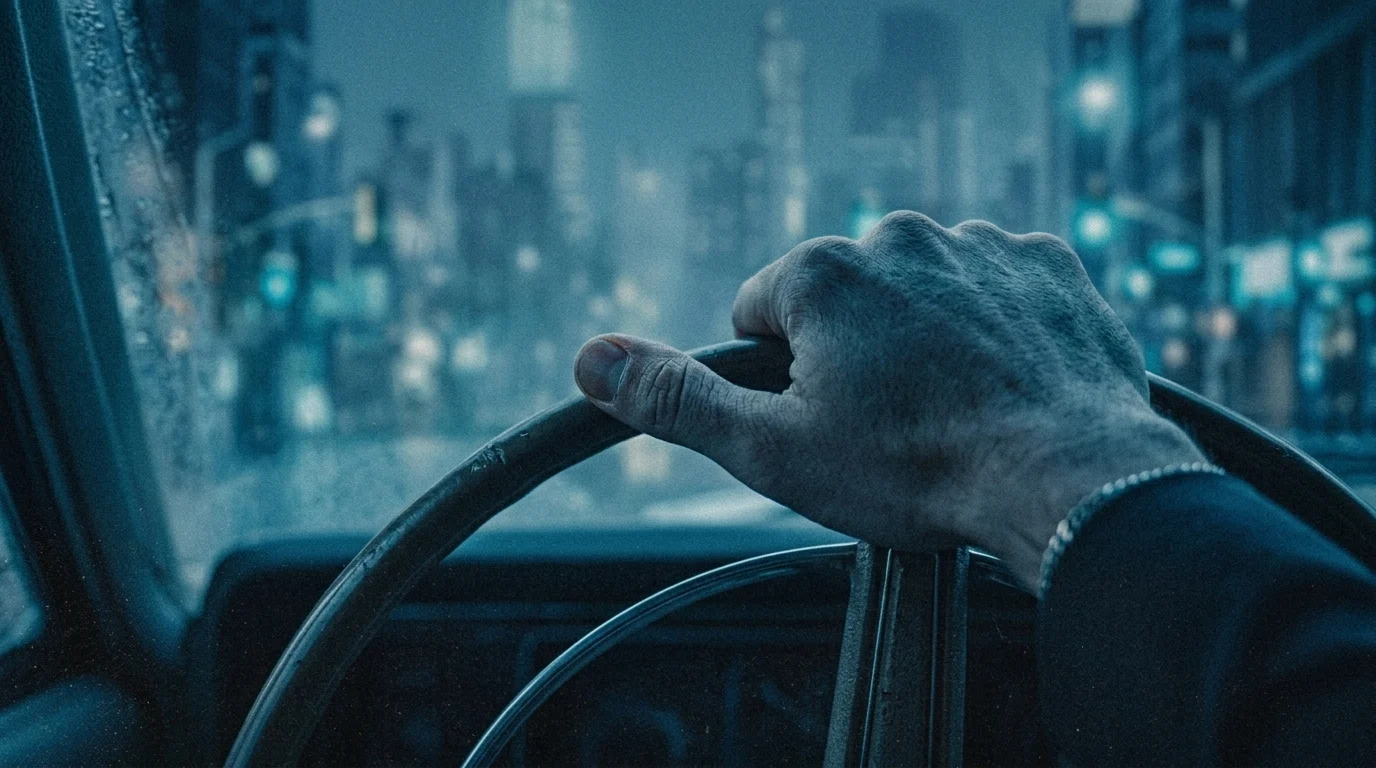
Use the supplied image as the exact opening frame. Preserve the driver's hand, finger placement, silver bracelet, dark sleeve, worn steering wheel, rain-marked windshield, and cool blue nighttime palette.

One continuous 5-second cinematic insert shot. The camera is rigidly mounted inside the moving car, locked on the hand gripping the top of the steering wheel. Maintain the same framing, angle, subject scale, and shallow focus throughout. Keep the hand and wheel sharp while the city beyond the windshield remains softly defocused.

He drives steadily forward, maintaining his grip with only a tiny, gradual steering correction. Outside, the approaching street expands naturally from the distant vanishing point, with nearby buildings and streetlights drifting outward faster than distant details. Smooth depth parallax and restrained motion blur convey forward travel.

From 2-3 seconds, headlights from one passing car produce a single soft sweep of pale light across his knuckles, bracelet, sleeve, and steering wheel, then fade back into blue shadow. The sweep occurs exactly once.

Preserve natural skin texture, soft reflections, deep shadows, and organic film grain. No camera movement, focus pulls, cuts, large wheel rotations, finger repositioning, hand distortion, or repeated light flashes. Audio: low engine hum and subdued road noise; no dialogue or music.
05Let the city breatheI2V+
Supplied opening frame.
LOAD Assets/03.jpg
Direct the shot
Load the city still. Lock the camera in world space. Animate only small traffic streams along the roads and gentle river ripples.
Approve when it works
Inspect bridge cables, road curves and tower edges. Keep window lights steady. Preserve the 1584 × 672 source composition for a test or prepare a deliberate common-ratio crop.
Read & copy the prompt
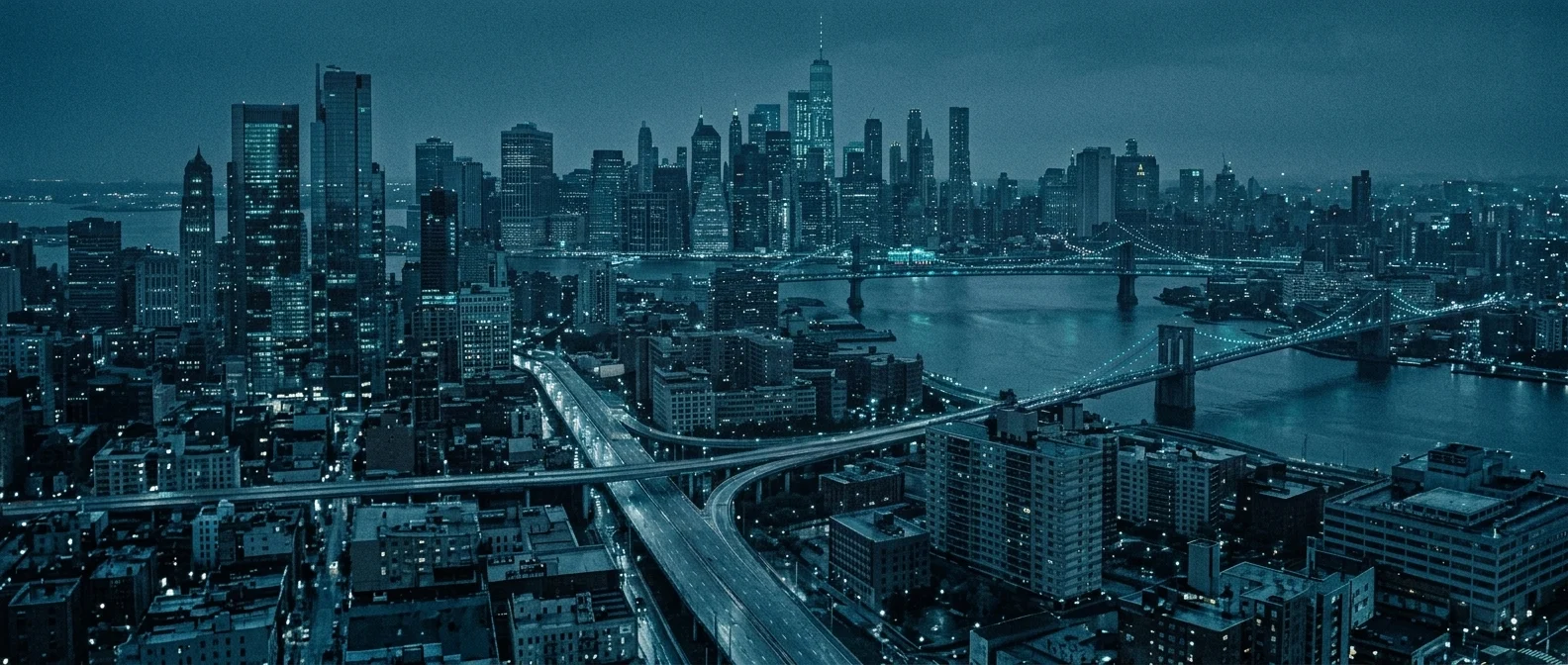
Use the supplied image as the exact opening frame. Preserve the skyline, bridges, river, elevated highways, building geometry, and cool blue nighttime palette.

One continuous 5-second cinematic establishing shot from a completely locked elevated camera. Maintain identical framing, perspective, focus, and exposure throughout. The city remains still while small streams of headlights and taillights move naturally along the highways and across the bridges, following the existing lanes and road curves. Traffic moves steadily at realistic speed, without time-lapse streaks.

Gentle ripples travel across the river, subtly breaking up the reflected bridge and city lights. Distant atmospheric haze softens the skyline. Building windows and bridge lights remain steady.

Retain the subdued cyan highlights, deep blue shadows, fine architectural detail, and organic film grain. No pan, tilt, zoom, orbit, camera drift, cuts, sweeping foreground headlights, changing architecture, or added text. Audio: distant traffic wash and faint river ambience; no dialogue or music.
06Compose Maya in neonREFERENCE+
Reconstructed reference-mode recipe. The preview is from the reel, not a supplied full-resolution opening still.
LOAD Image 1: Maya Chen.jpg · Image 2: out of focus bg.jpg
Direct the shot
Use the sheet only for Maya’s identity and clothing. Use the background for neon, color and soft texture. Compose a head-and-chest portrait with a compressed telephoto look.
Approve when it works
Keep her gaze offscreen left and her hair still. Move the camera along a shallow arc at constant distance; let the soft neon slide behind her.
Read & copy the prompt
Create one continuous 5-second cinematic close-up of Maya in an amber-and-teal city at night.

Image 1 supplies the identity, blunt black bob and fringe, hoop earrings, leather jacket and oxblood clothing of one adult woman. Do not reproduce its three-panel sheet. Image 2 supplies only the diagonal neon bands, warm halation, cool color accents, shallow focus and background texture. Do not copy a recognizable face or person from the background reference.

Frame Maya's head and upper chest from a distant camera position with the appearance of a 200mm telephoto lens. Keep her slightly right of center. Her eyes look toward a fixed point offscreen left, away from the camera. Preserve her face and natural skin texture. Her head and hair remain still, with only subtle breathing and no wind.

The camera travels slowly along a shallow arc to the right at a constant distance. Keep her face at a stable size and screen position. Use a fixed focal length; there is no zoom. The compressed diagonal orange neon slides gently behind her with smooth parallax, remaining soft and defocused.

Retain deep shadows, amber practical light, gentle highlight halation and organic film grain. No cuts, head tracking, eye contact, extra people, drifting facial features or added text. Faint city ambience only; no speech or generated music.
07Move around a held gazeI2V+
Preparation required: no separately named final portrait still is supplied.
LOAD Prepare an approved single-scene portrait of Maya
Direct the shot
Create and approve a clean portrait first, then load it as the opening frame. Never use the entire three-panel character sheet as that frame.
Approve when it works
Hold her gaze upward and offscreen left, with still hair. A shallow rightward orbit should create parallax without changing face size. “200mm” is a visual look target, not lens metadata.
Read & copy the prompt
Use the approved single-scene portrait as the exact opening frame. Preserve her identity, black bob and bangs, hoop earrings, black leather jacket, burgundy top, and amber nighttime lighting.

A single continuous 5-second cinematic slow-motion shot. Film from far away with a 200mm telephoto lens, tightly framing her head and upper chest. Strong lens compression brings the distant neon visually close behind her. The camera travels slowly along a shallow orbit to the right at a constant distance, keeping her face consistently framed while the compressed background slides laterally with visible parallax. Fixed focal length; no zoom during the shot.

She gazes upward and offscreen left, away from the camera throughout. Her expression is quietly resolute, with only subtle breathing. Her hair remains completely motionless; still air, no wind or loose strands moving. Preserve warm neon halation, deep shadows, shallow depth of field, natural skin texture, and organic film grain. Focus stays on her eyes. No cuts, eye contact, head tracking, or facial distortion. Audio: faint distant city ambience, no dialogue or music.
08Leave a trace on the mirrorPAIRED FRAMES+
Reconstructed recipe. The paired endpoint files are not supplied; prepare them before generation.
LOAD Prepare aligned mirror frames using Maya + Location 02
Direct the shot
Compose a close-up with the existing lip-gloss mark and a soft reflection. Create matching endpoints: no hand or fingerprint streak at the start; the hand gone and a new streak left at the end.
Approve when it works
Hold for a second. A fingertip enters, touches the glass and drags downward, then withdraws. Keep the glass sharp and face soft. Reject floating fingers and changing mirror geometry.
Read & copy the prompt
Use the clean mirror image as the exact first frame and the matching marked-mirror image as the exact last frame. Make one continuous 5-second cinematic shot. Preserve the glass plane, Maya's indistinct reflection, the lip-gloss mark, the red motel-sign glow and the warm practical lighting.

From 0 to 1 second, hold on the lip-gloss trace and imperfect glass. Maya's face remains out of focus behind it. From 1 to 3 seconds, her hand with a black leather cuff enters from the lower right. One fingertip touches the glass beside the gloss and drags downward a short distance, leaving a faint fingerprint streak. The finger physically contacts the mirror rather than floating in front of it.

From 3 to 5 seconds, the fingertip lifts and the hand withdraws. Hold on the abandoned trace and converge on the final reference. Keep the camera locked, the glass surface sharp and the face softly defocused. Maintain the same mirror geometry and exposure across the shot.

Photorealistic coastal noir, amber practical light, subdued teal fill, red neon bokeh, soft halation and fine grain. Natural hand anatomy and reflection. No face reveal, extra hands, cuts, dissolves, new writing or moving camera. A faint fingertip-on-glass sound and quiet room ambience; no dialogue or music.
09Turn the photographREFERENCE+
Adapted recipe. The map and photograph are described props; separate prop assets are not supplied.
Compose an insert over the motel table. Mateo pins a photograph over a folded map. Maya places two fingertips on the opposite corner; he releases it and she rotates it a quarter-turn.
Approve when it works
Keep the hands from touching and the photograph rigid. Use a short lateral camera slide and shallow focus on fingers and paper edges.
Read & copy the prompt
Generate one continuous 5-second photorealistic cinematic insert across a worn wooden motel table.

Image 1 defines Maya's identity, black leather jacket and silver ring. Image 2 defines Mateo's identity, charcoal blazer and dark clothing. Each sheet shows one adult person in several views; do not reproduce the panels. Image 3 defines the motel's room, round table, olive walls, window and amber practical lamps. Create a new close camera angle inside this same room.

A small architectural photograph lies partly over a folded city map. Mateo's thumb, emerging from a charcoal sleeve, pins one corner. Maya's hand enters from the opposite side, its black leather cuff visible. She puts two fingertips on the opposite corner. Mateo releases his thumb, allowing her to rotate the photograph a quarter-turn toward herself. Their hands do not touch. Finish with the photograph still between their hands.

The camera makes a slow, short lateral slide. Keep fingertips, the worn photograph edge and the paper folds in a narrow plane of focus. The image on the photograph is architecture only. Map lettering remains indistinct. Amber lamplight grazes the paper while a soft red neon reflection lies across the tabletop.

Preserve natural hand anatomy, paper thickness, jacket textures and consistent light. Dark intimate coastal noir, shallow focus, restrained anamorphic bokeh and fine film grain. No faces, extra hands, duplicate photographs, melting paper, cuts, exaggerated camera movement, dialogue or music. Quiet paper movement and room ambience only.
Compose from the doorway with Maya and Mateo small in the room. Maya sits on the right with her back toward us; Mateo sits near the window. Lock the camera as she draws her hands from the papers into her lap.
Approve when it works
Read the bed, round table, window, chairs and practical lamps. Keep the room layout stable and the emotional distance between the characters clear.
Read & copy the prompt
Create one continuous 5-second cinematic wide shot inside the supplied motel room after sunset.

Image 1 supplies Maya's identity, black bob, leather jacket, oxblood dress and boots. Image 2 supplies Mateo's identity, dark wavy hair, stubble, charcoal blazer and dark outfit. Render one of each character; do not copy the reference sheets' panels or backgrounds. Image 3 supplies the actual motel layout: olive walls, bed on the left, vanity and warm lamp, round table beside the large window, mismatched chairs and Venetian blinds. Preserve these spatial relationships.

Shoot from the entrance through a dark, softly blurred doorway. Maya and Mateo sit opposite each other at the table, small inside the room. Maya is on the right, seen from behind. Mateo is near the window in a shadowed three-quarter view with his head lowered. A folded map and small architectural photograph lie between them.

Lock the camera. Maya slowly draws her hands away from the papers and rests them in her lap. Mateo remains leaning forward, studying the photograph. Neither looks toward the other or at the camera. Their separation is the emotional center of the composition.

Keep enough depth of field to read the room. Amber practical lamps and cool dusk through the blinds provide the light; the exterior red sign is soft in the distance. Fine organic grain, gentle halation, restrained haze and rich shadow detail. No extra people, moving furniture, camera motion, cuts, readable overlay text, drinks, cigarettes, dialogue or generated music. Quiet room ambience only.
11Watch through the cameraI2V+
Preparation required: no standalone CCTV source still is supplied. Preview is from the reel.
LOAD Prepare a CCTV-dome opening still from Location 03
Direct the shot
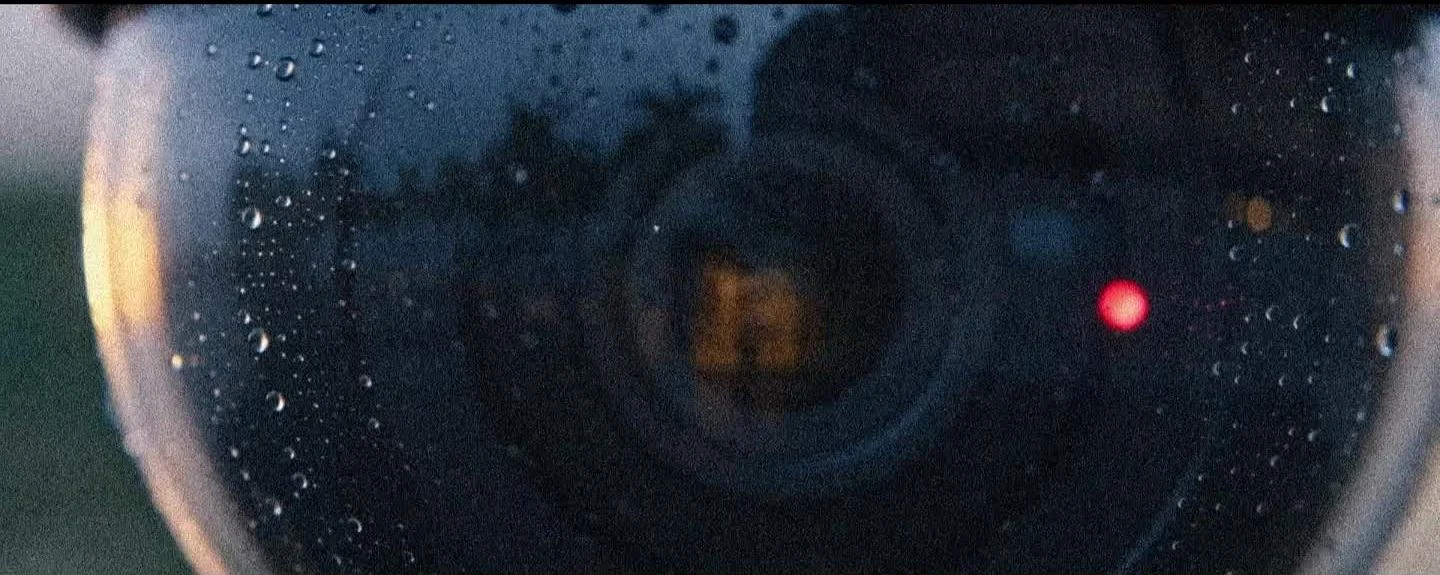
Compose a clean dome close-up before animation. Include moisture, a steady red indicator and indistinct approaching silhouettes in its reflection.
Approve when it works
The outer housing stays fixed. Only the internal lens pivots. Add a very short filming-camera slide; reject multiplying people, bending glass or a turning mount.
Read & copy the prompt
Use the supplied security-camera close-up as the exact opening frame. Create one continuous 5-second live-action cinematic shot beneath the entrance canopy of a waterfront broadcast building at blue hour.

Preserve the black smoked-glass dome, its mounting, moisture beads, small red status light, reflected amber entrance lights and two tiny reflected approaching silhouettes. The outer housing is fixed to the building. Only the camera lens inside the transparent dome slowly pivots toward the entrance. The red indicator glows steadily.

The filming camera makes a very short, slow lateral slide. Begin with focus on the fine moisture beads, then gently shift attention toward the internal lens. Keep the reflected people indistinct; never resolve their faces or add more figures. The reflected forecourt should change naturally with the filming camera's movement, without turning into a second scene.

Retain cool blue ambient light, an amber edge flare, humid atmosphere, soft highlight halation and organic grain. End when the internal lens faces the approaching silhouettes. No moving outer housing, bending dome, multiplying reflections, cuts, zoom, added text, dialogue or music. Quiet exterior ambience and a faint mechanism sound only.
12Pass through the glassREFERENCE+
Adapted recipe based on the broadcast-complex scene.
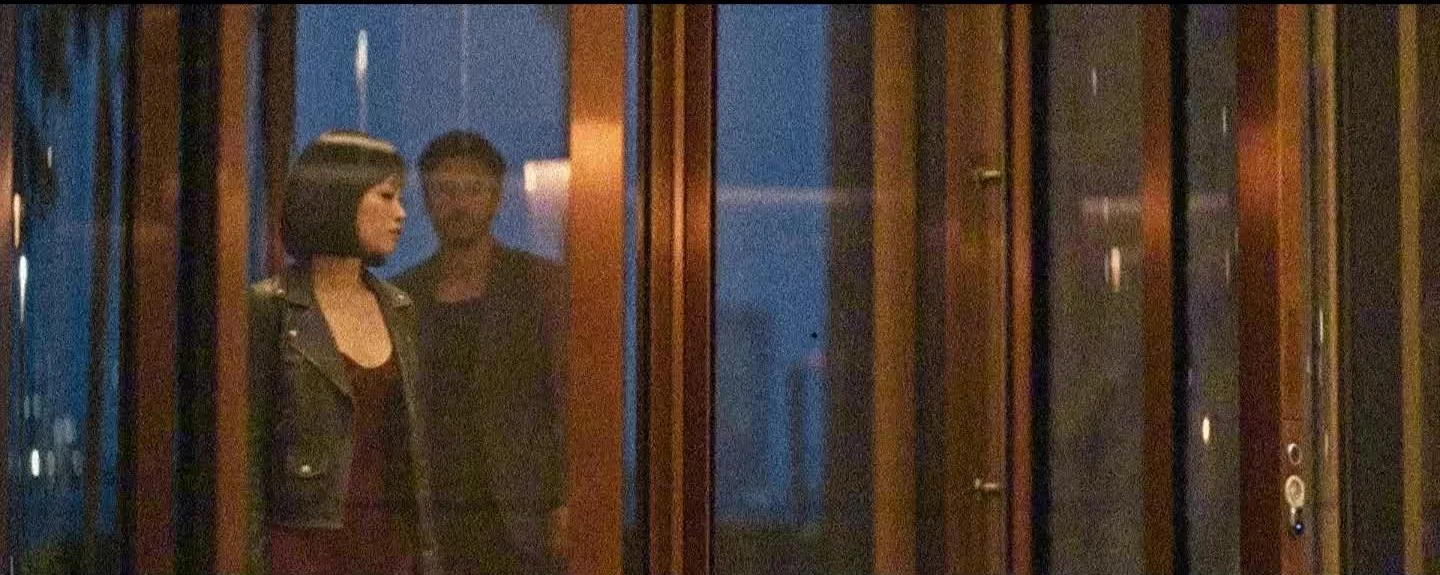
Compose an oblique view from inside the lobby. Maya enters one compartment, Mateo the next. Keep the filming camera locked while the revolving door turns around its fixed central axis.
Approve when it works
Preserve rigid glass and mullions. Reflections must not become extra people. If five seconds is too tight, generate one passage per take or use a supported longer duration.
Read & copy the prompt
Generate one continuous 5-second cinematic shot from inside the supplied waterfront lobby, looking obliquely through its revolving door at blue hour.

Image 1 defines one Maya in her black leather jacket, oxblood dress and boots. Image 2 defines one Mateo in his charcoal blazer and dark clothing. Preserve their identities and wardrobe; the sheets' multiple views do not represent multiple people. Image 3 defines the lobby: glazing, bronze door frames, central revolving-door axis, reception area, materials and amber interior light. Keep the architecture rigid.

Maya enters the first compartment and Mateo follows in the next compartment. They move at an unhurried pace. The door rotates naturally around its fixed central axis. Lock the filming camera while the wings and mullions pass across their bodies. Blue exterior reflections and amber interior reflections overlap the glass without creating extra people.

Maya clears the door and moves toward the lobby interior, pausing near the edge of frame. Mateo emerges behind her. Finish with both oriented deeper into the building. Keep their faces obscured by hair, mullions and reflected glare; do not ask them to follow the camera.

Selective focus on clothing and the nearest door frame, soft anamorphic bokeh, light haze, gentle halation and organic grain. No cuts, camera orbit, bending glass, duplicated limbs, sliding feet, extra characters, dialogue or generated music. Quiet footsteps and a subdued revolving-door mechanism only.
07 / THE WORKFLOW
WRITE LIKE A DIRECTOR.
Make the physical relationships clear. A useful prompt tells the model what stays fixed, what changes and why.
Anchors+Action+Camera+Landing
Anchors
Name the character, outfit, screen position, set geometry and light to preserve.
Action
Choose one visible change: a lighter ignites, a finger touches glass or a door rotates.
Camera
Say what the camera is locked to. A car-mounted camera holds the cabin still; a world-locked camera holds the skyline still.
Timing + cause
Break the performance into a few beats and explain the cause: a thumb strike produces a flame, and the flame lights the faces.
Landing + sound
State the final pose and hold it. Request only useful ambience; keep dialogue and generated music out of the shot when the original song will carry the edit.
08 / THE WORKFLOW
GOOD SHOTS. ONE COHERENT FILM.
Build the rhythm in the edit after each individual shot works.
Choose the clearest takes
Watch every clip at normal speed and scrub the main action. Check faces, hands, reflections and architecture throughout. Strong endpoints cannot rescue a warped middle.
Start with the original song
Put the song on a dedicated audio track. Mute generated music and unwanted speech. Keep only ambience that serves the scene without competing with the song.
Build an initial sequence
Try lighter → corridor → driver → portrait → city → mirror → map → motel → surveillance → revolving door → final portrait. Reorder and trim for the music; this is a starting montage, not a required narrative chronology.
Match motion and color
Keep travel direction and screen positions consistent across connected shots. Match hands and props between inserts and wides. Preserve amber intimacy and blue city scale when grading; do not lift away the noir shadows.
Choose one canvas and export a test
Reframe deliberately for widescreen or 9:16. Do not stretch wide shots into portrait. Check the exported frame size, playback rate, song, movement and framing from beginning to end.
09 / THE WORKFLOW
FIX THE RELATIONSHIP. KEEP WHAT WORKS.
Diagnose the visible failure before rewriting the whole prompt.
The character sheet becomes three people
Say that the panels show one person from multiple views. Use the sheet only as an identity reference; use a single composed scene for I2V.
The gray studio appears in the scene
Give the environment image its own role and remove studio-background cues from the scene direction.
The car and background both freeze
Lock the camera relative to the car, then explicitly direct outside buildings and streetlights to move with depth parallax.
The lighter shot becomes a dissolve
Describe the thumb movement, spark, flame and resulting light. Keep exposure and ambient illumination constant.
Faces brighten after the flame goes out
Reassert the dark endpoint and constant exposure. The lost flame light must not be replaced by an automatic brightness lift.
Headlights flash repeatedly
Request one passing vehicle and one sweep within a short time window. Remove other flashing-light instructions.
The portrait orbit looks like a zoom
Specify fixed focal length, constant distance and stable face size. Reduce camera travel if the shallow arc causes warping.
The glass door bends or duplicates people
Reduce the action to one passage. Preserve its fixed axis and rigid wings, and keep the camera locked.
A wide prompt produces a square image
Set the actual width, height or aspect ratio in the generator. Text alone does not set canvas dimensions.
The endpoints work but the middle breaks
Simplify the gesture or reduce the change between the two frames. Inspect the entire take before accepting it.
10 / THE WORKFLOW
KEEP THE TOOLS CLOSE.
The project files and companion guide, ready for your next production pass.
This walkthrough adapts the No Rehearsals tutorial prepared on 17 October 2026. Reference-mode and reconstructed recipes are marked where relevant. They are creative instructions, not a promise of a tested render from every setup.
The Drive folder lists the three workflow files named above. Follow each downloaded graph’s current model and dependency requirements. Page previews are compressed and should not be used as substitutes for original generation inputs.